1. Create a recipe
Open Recipes in the menu and click New recipe. Enter a name and choose which meals the recipe suits (breakfast, lunch, dinner, snack). Add a description, preparation steps and tags if you like.
2. Add ingredients
Under Ingredients, start typing a food name, for example “oat”, and pick it from the list. Enter the quantity and unit (grams, pieces, spoons, millilitres). For the next ingredient, click Add ingredient.
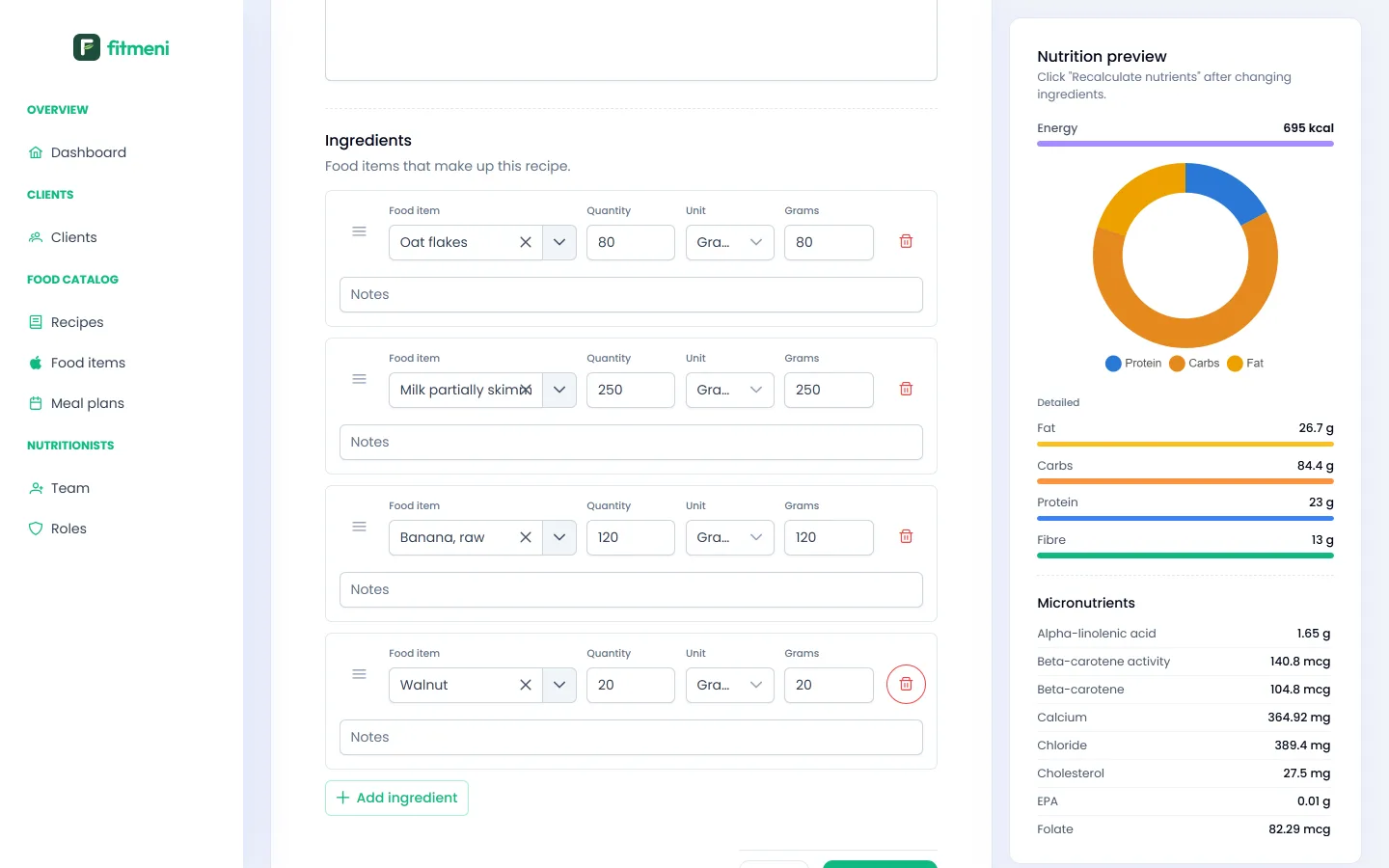
On the right, the Nutrition preview shows energy, macros, fibre and micronutrients for the whole recipe. When you’re done, click Create recipe.
3. Your recipe library
All recipes are in the Recipes list, with calories and macros per serving. From there you edit, duplicate or delete them.
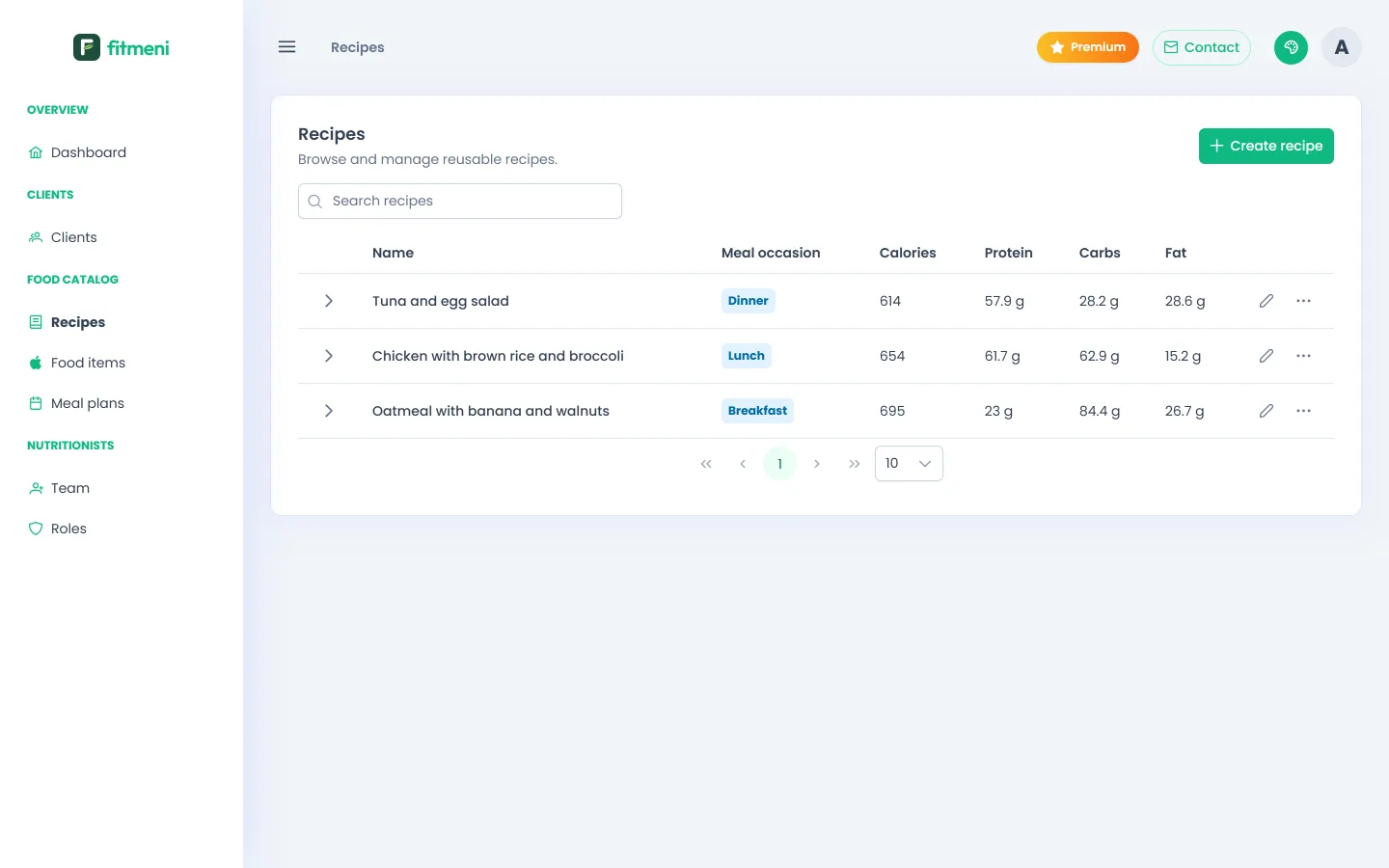
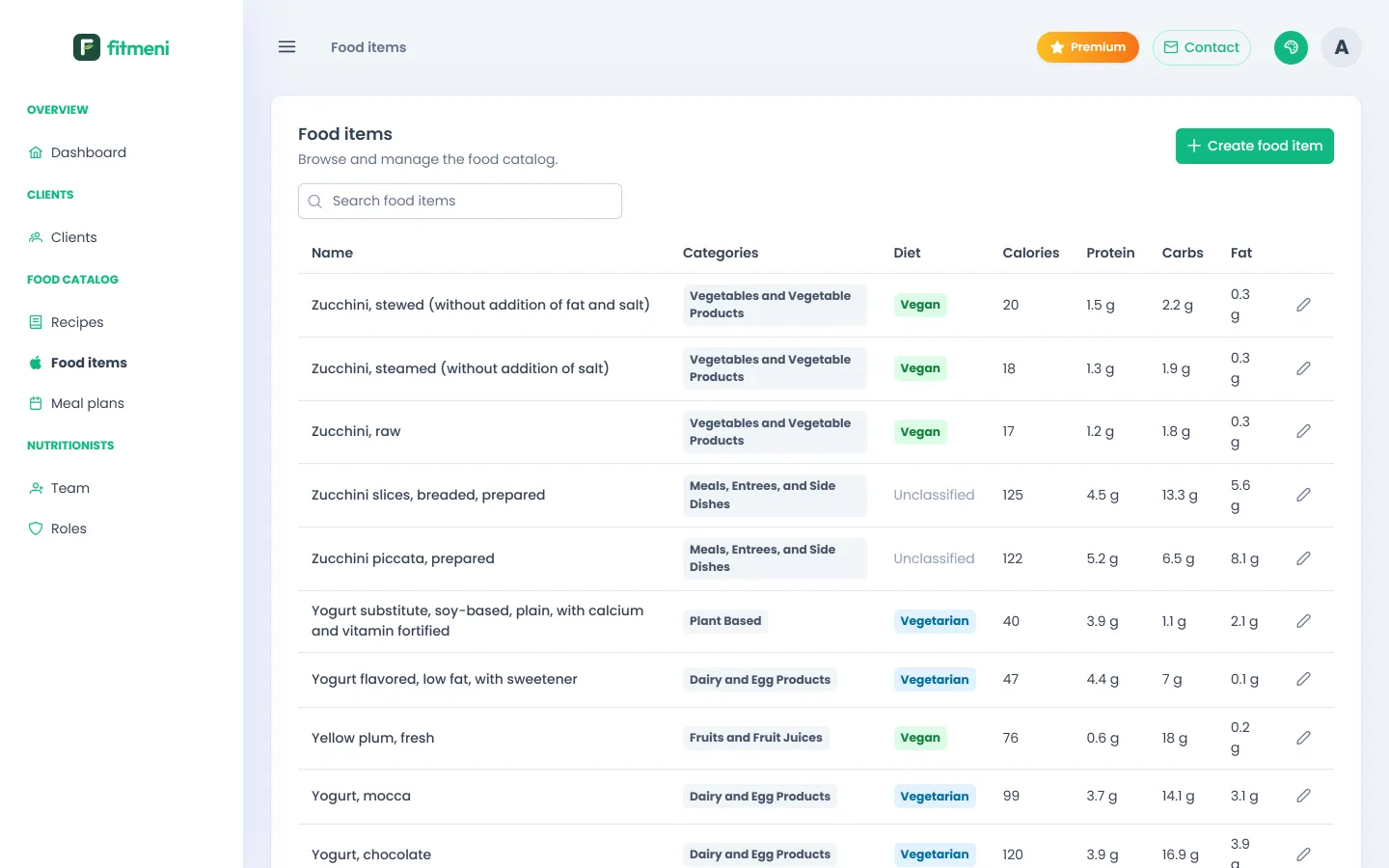
4. The food catalog and your own foods
Under Food items you search the catalog with nutrient values. If a food is missing, for example a specific product, click Add food item and enter the values from the label.
5. Community recipes (Premium)
With Premium you see recipes shared by other nutritionists, with ingredients and values already filled in. Duplicate a recipe into your library with one click and adapt it. You can share your own recipes too. See Pricing.