1. Create an account
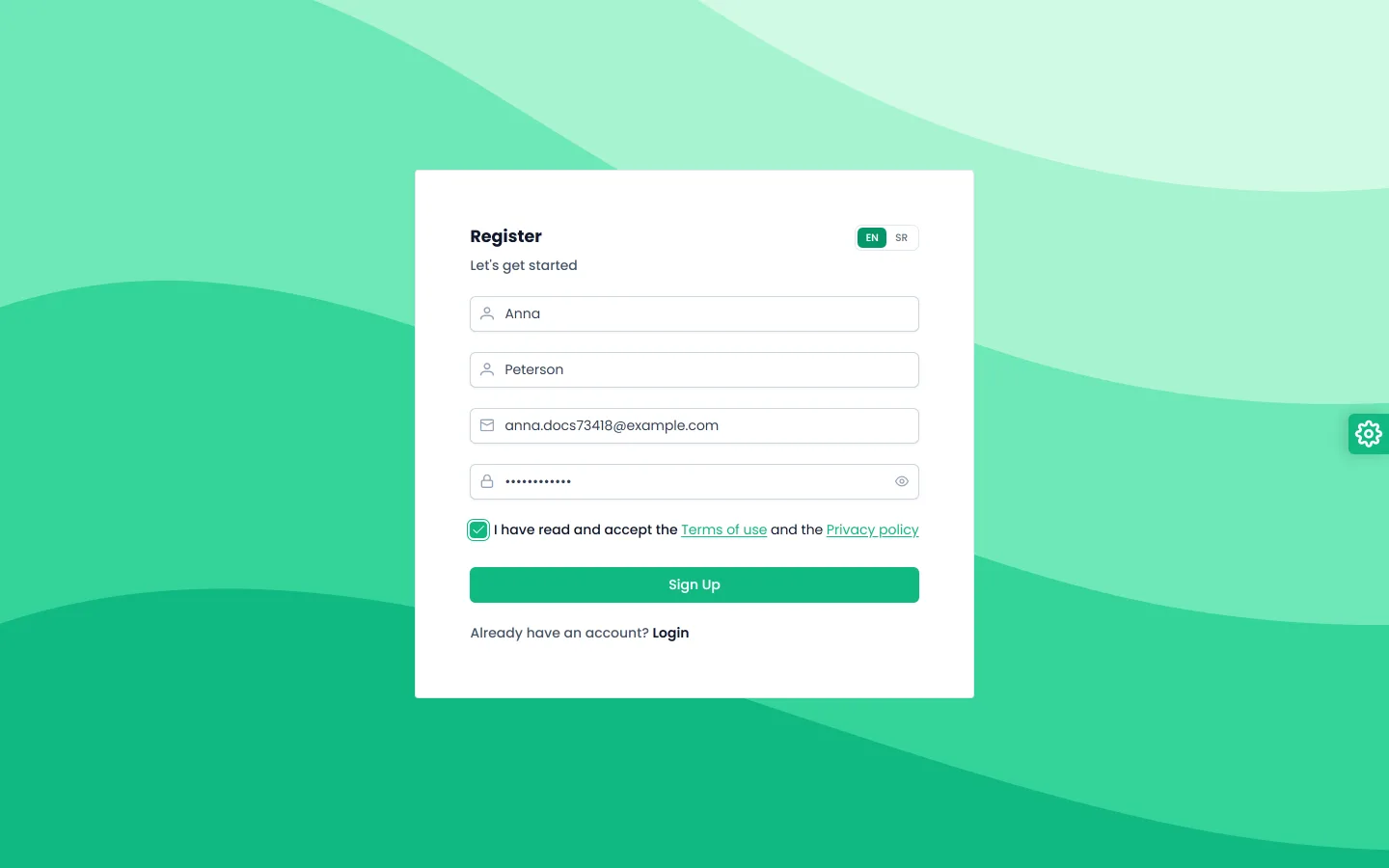
Open the sign-up page and enter your first name, last name, email and password. The password needs an uppercase letter, a lowercase letter and at least one number. Accept the terms of use and click the sign-up button.
2. Create your organization
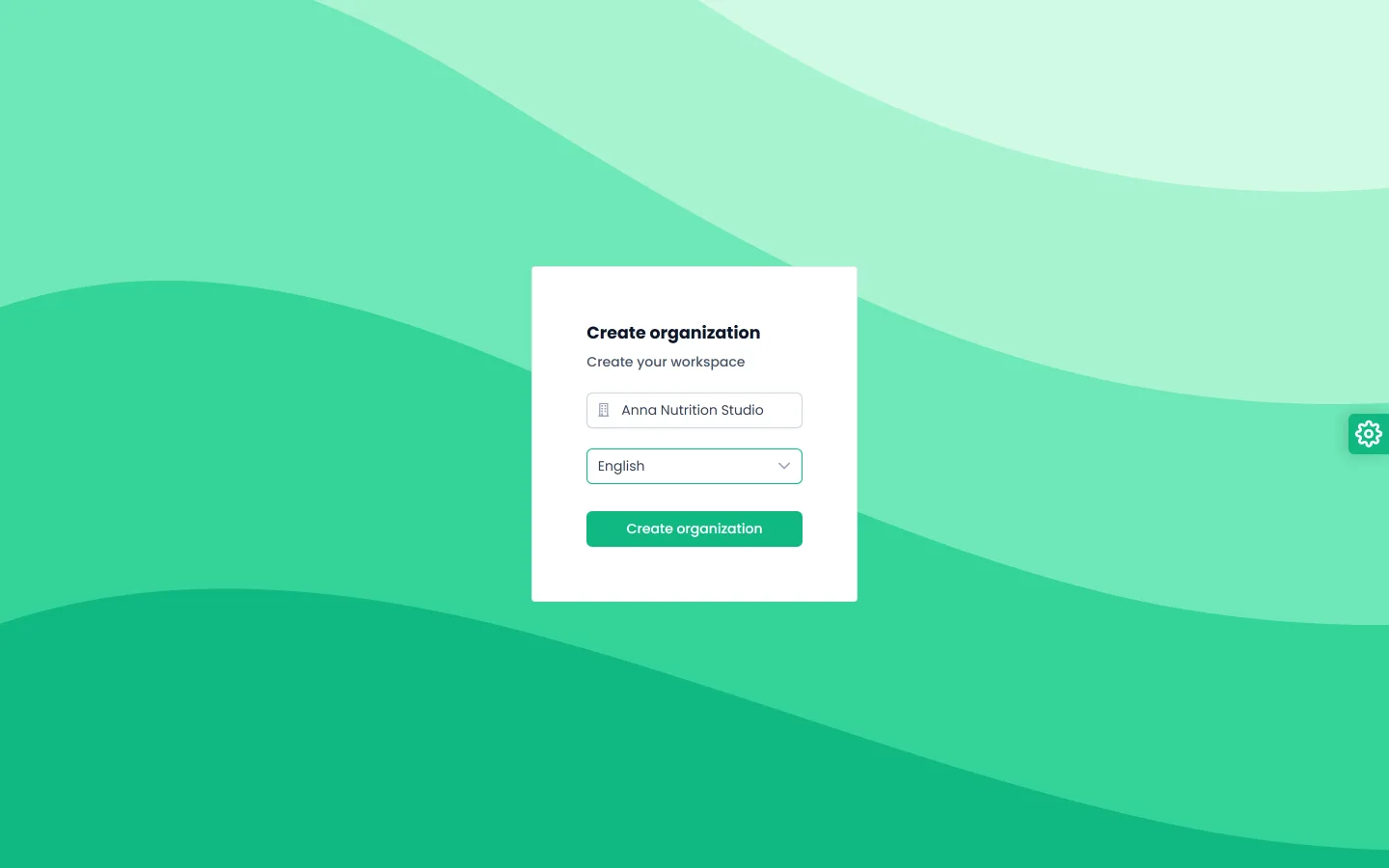
After your first sign-in, FitMeni asks you to create an organization. That is your practice or team: clients, recipes and plans belong to the organization. Enter the organization name and choose a preferred language. The language sets both the app language and the food catalog language.
3. Find your way around the dashboard
The dashboard shows a Getting started list: add a client, build a recipe, build a plan template, assign a plan and invite a colleague. Each step has a button that takes you to the right place.
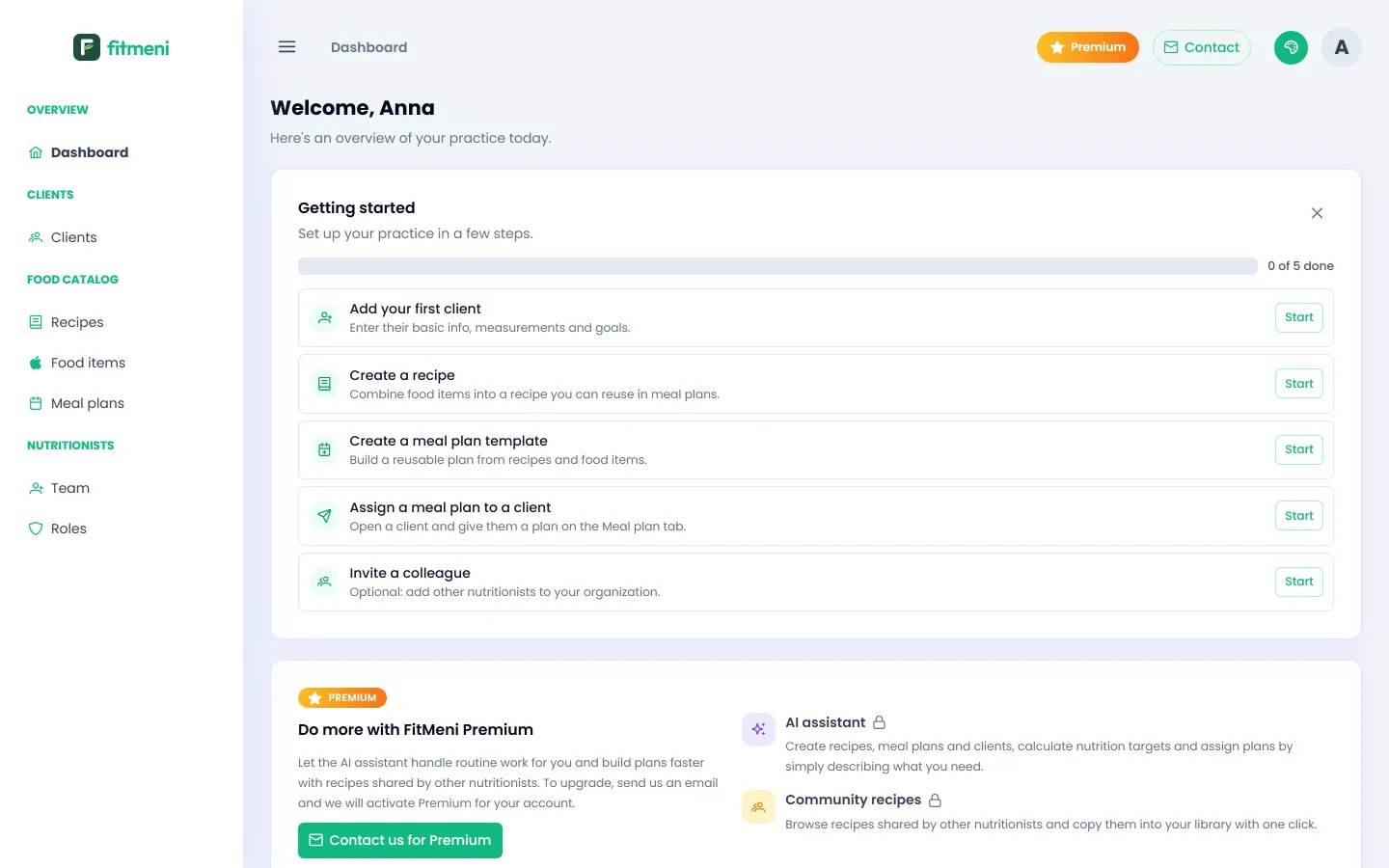
The menu on the left has three groups: Clients, Food Catalog (Recipes, Food items, Meal plans) and Nutritionists (Team, Roles).
4. Invite colleagues (optional)
If you work in a team, invite colleagues under Team, and under Roles decide who can see and change what. All members of an organization work with the same clients, recipes and plans.