Why not a spreadsheet?
Most nutritionists start with a spreadsheet: columns for foods, grams and calories, formulas that break when you add a row, and a document rewritten by hand for each client. With ten or more clients, every change means recalculating the whole week.
FitMeni keeps everything in one place and does the maths. Change a quantity or swap a recipe, and the totals for the meal, the day and the whole plan update straight away.
Recipes with automatic nutrient totals
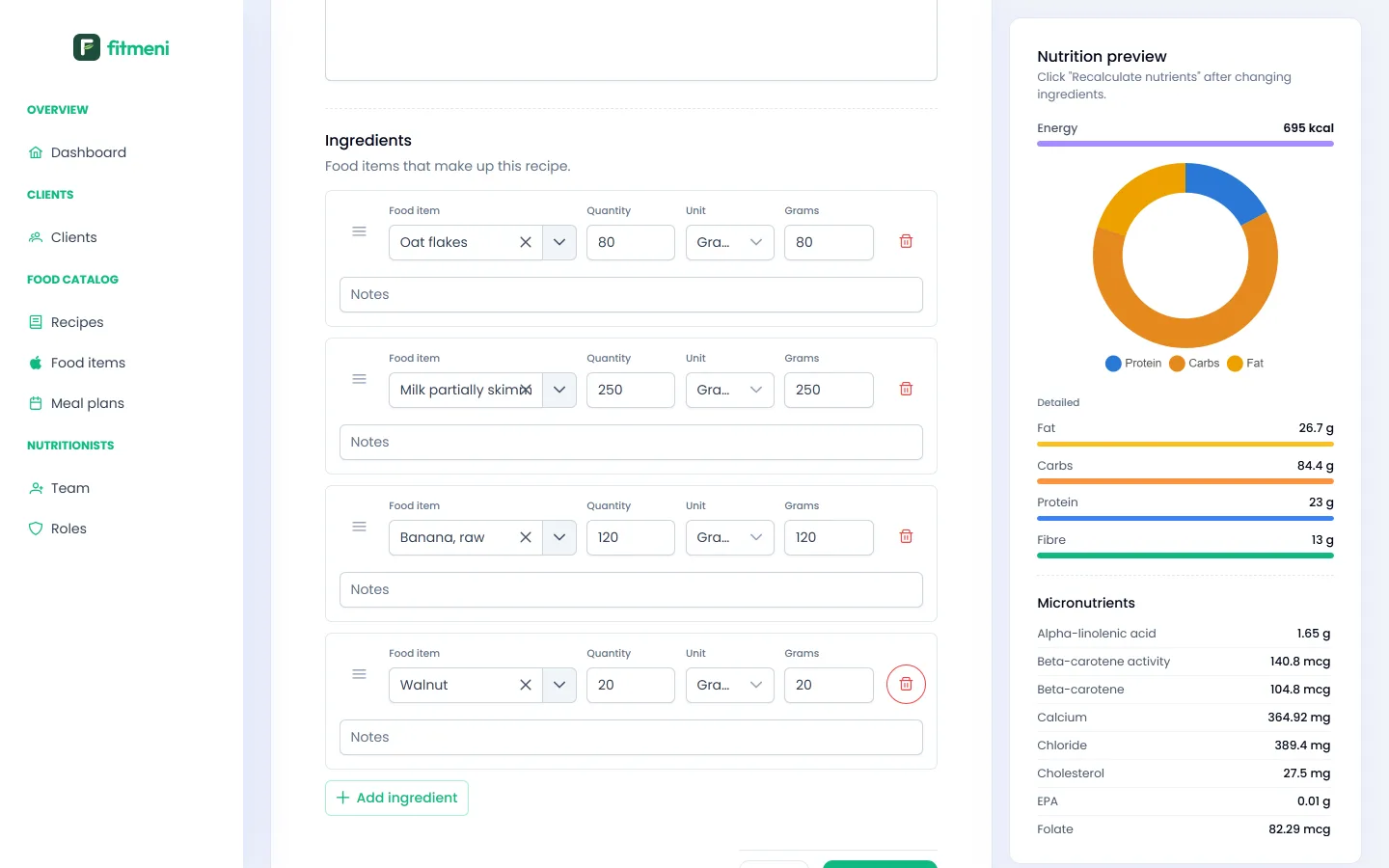
You build a recipe from foods in the catalog, in grams, pieces, spoons or millilitres. On the side you see energy, protein, carbs, fat, fibre and micronutrients for the whole recipe.
Meal plan templates by day and meal
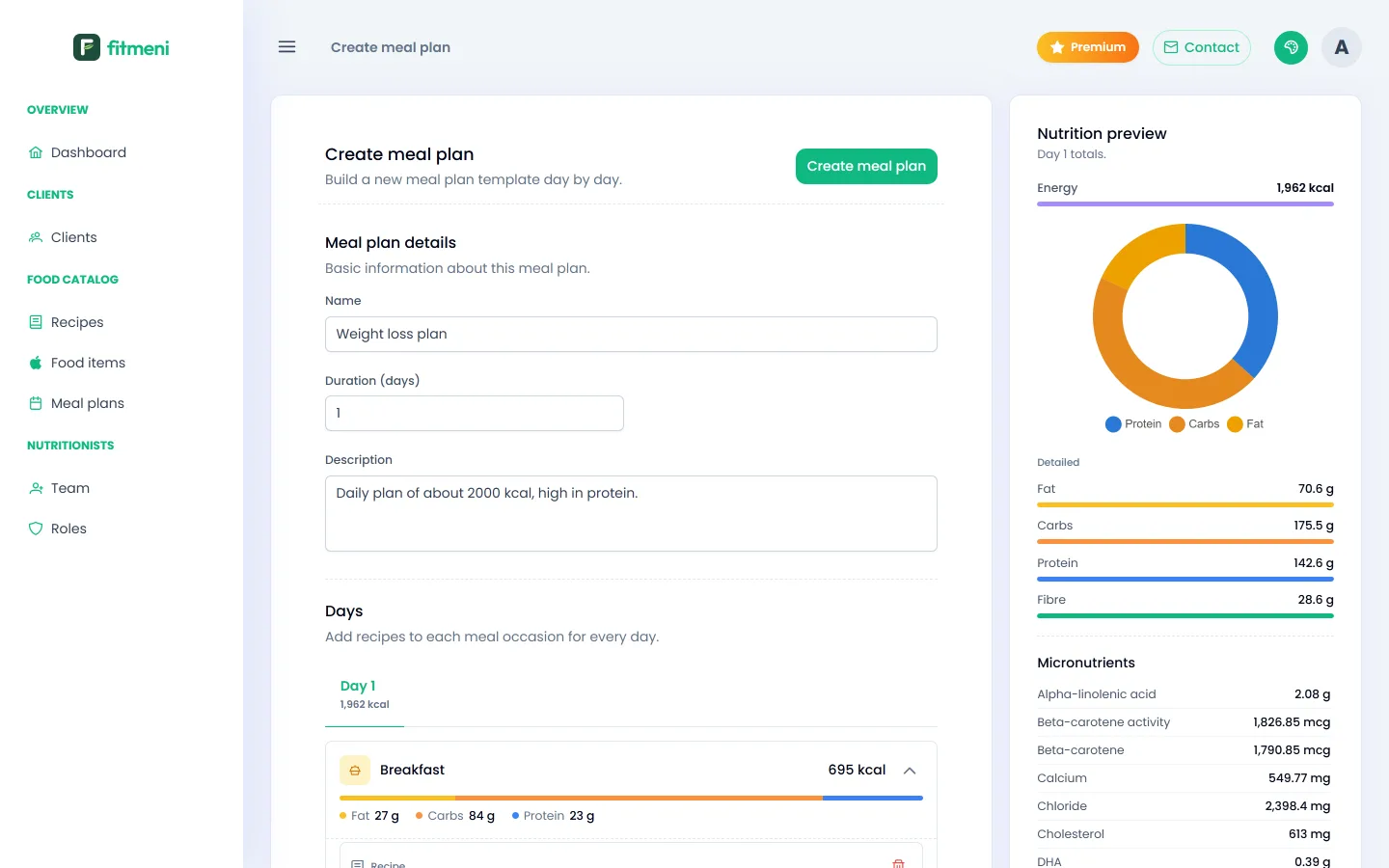
A meal plan is a template with a duration in days. Each day has breakfast, snacks, lunch and dinner, and each meal holds a recipe or individual foods. Build a good plan once and reuse it for many clients.
A plan fitted to every client
- Nutrition targets: FitMeni calculates calories and macros from the client’s measurements and activity level.
- Comparison with the target: while you edit a client’s plan, you see how far it is from their targets.
- Warnings: the client’s allergies and restricted foods are flagged while you build the plan.
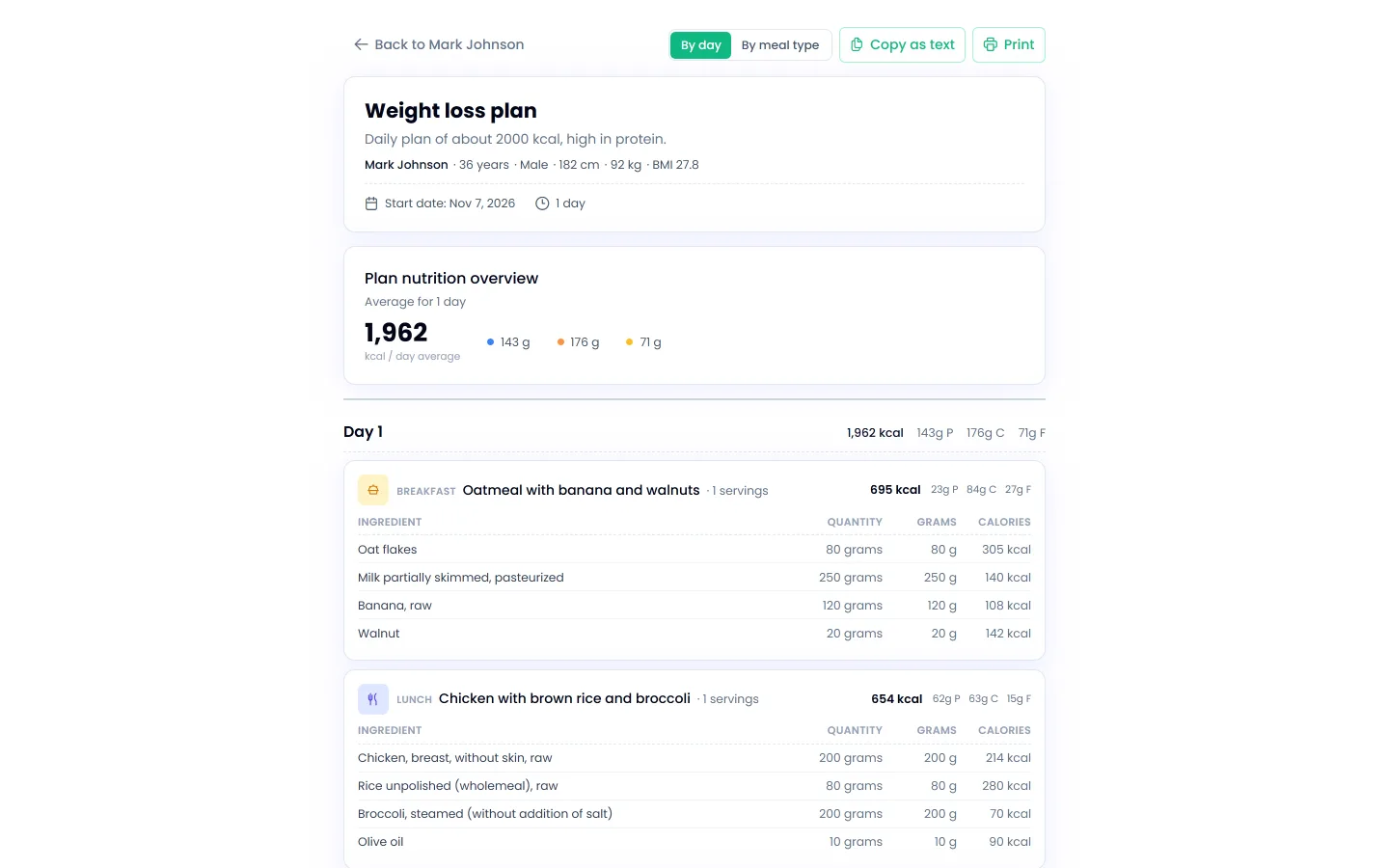
- Client document: a clear plan by day or by meal, to print or send as text.
How to get started
- Sign up for free and create your organization.
- Add a client and their measurements (guide).
- Build a few recipes (guide) and a plan template from them (guide).
- Assign the plan to the client and send them the document (guide).