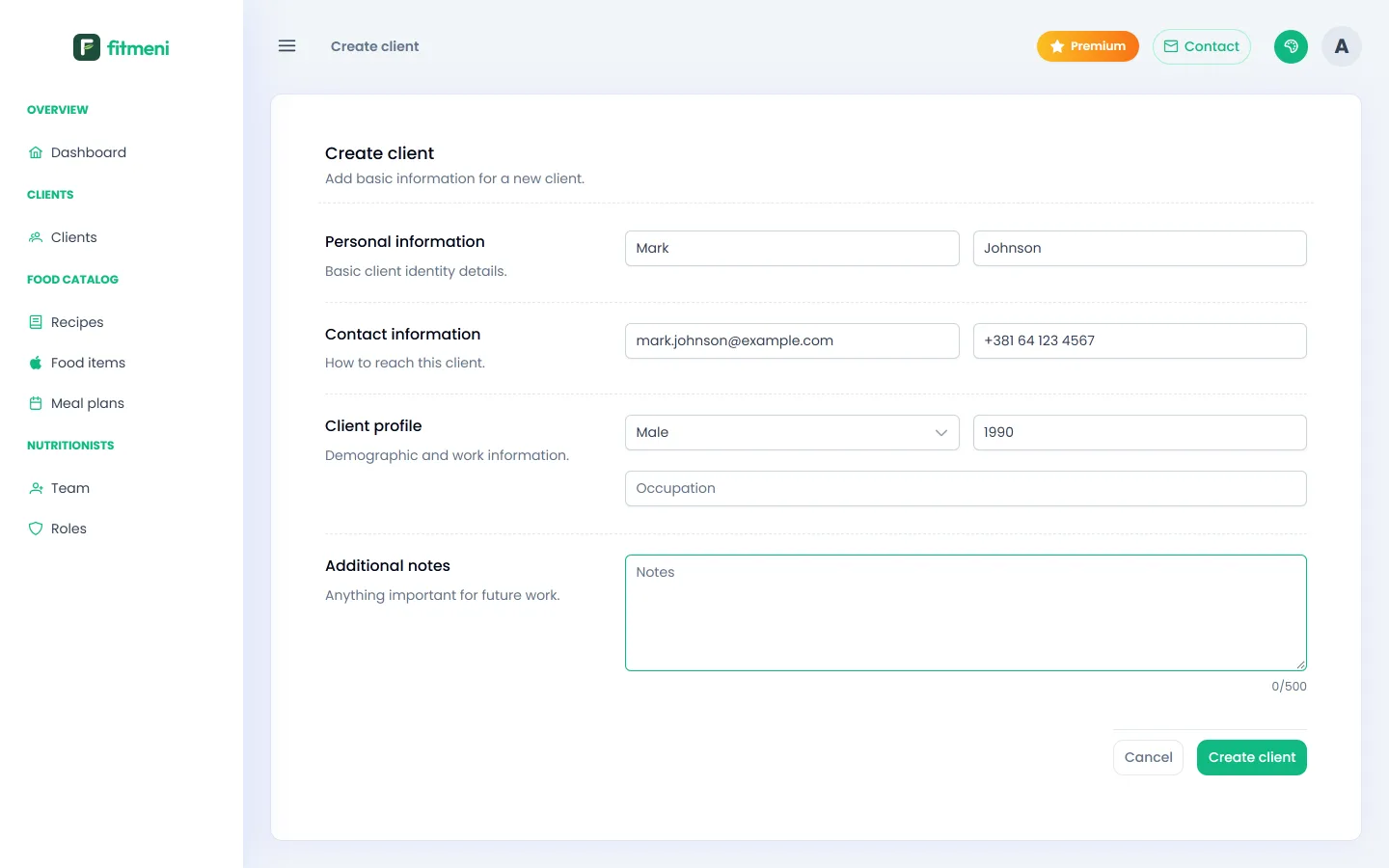
1. Create the client profile
Open Clients in the menu and click New client. Enter the first and last name, contact details, gender and year of birth, plus occupation and notes if you like. Click Create client.
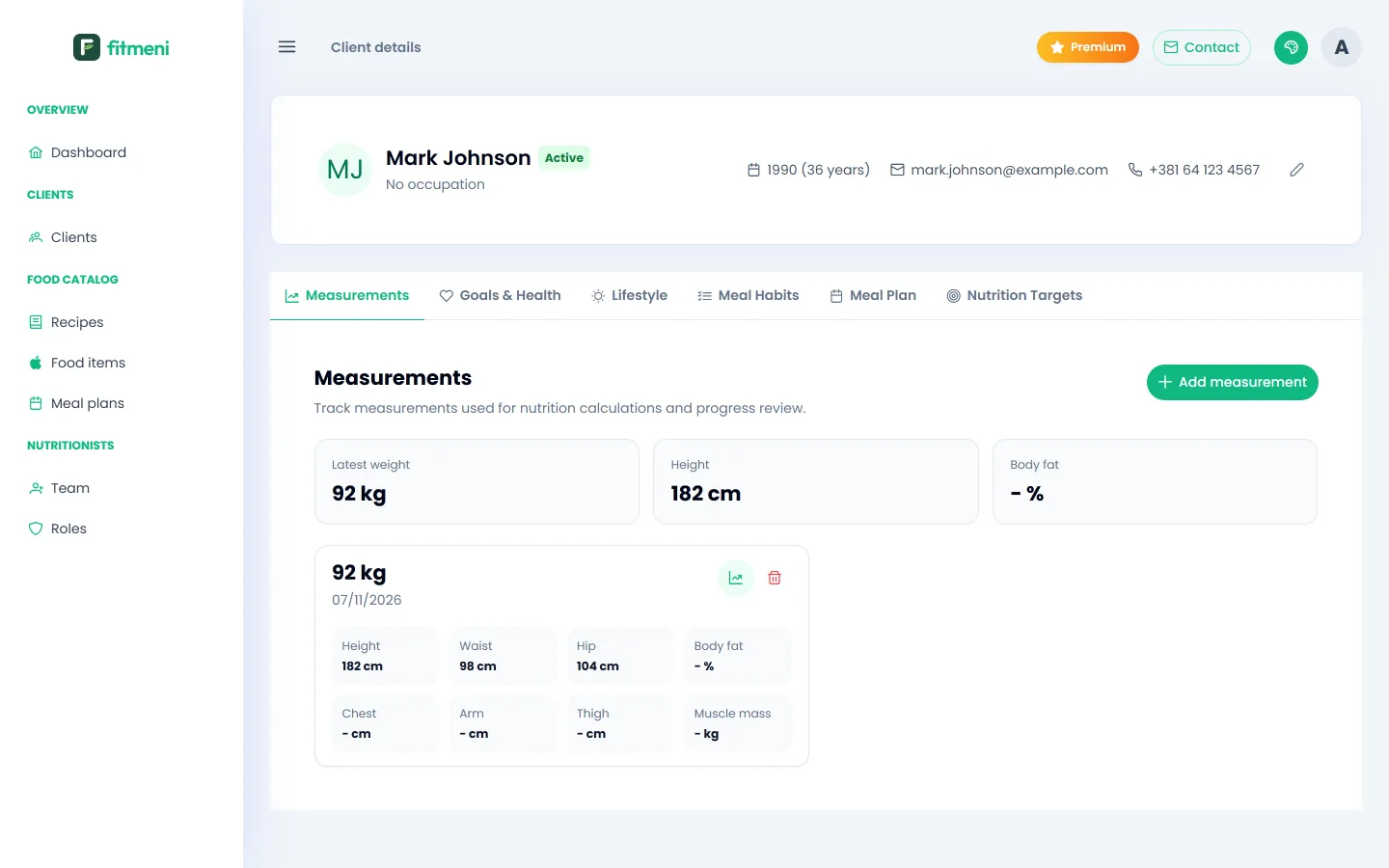
2. Enter measurements
On the Measurements tab, click the add button and enter weight, height and circumferences (waist, hips). Each measurement is saved with its date, so you can follow the client’s progress over time.
3. Goals and health
On the Goals & Health tab, add goals (for example weight loss), diagnoses and food restrictions: allergies, disliked foods, religious or medical restrictions, with a severity.
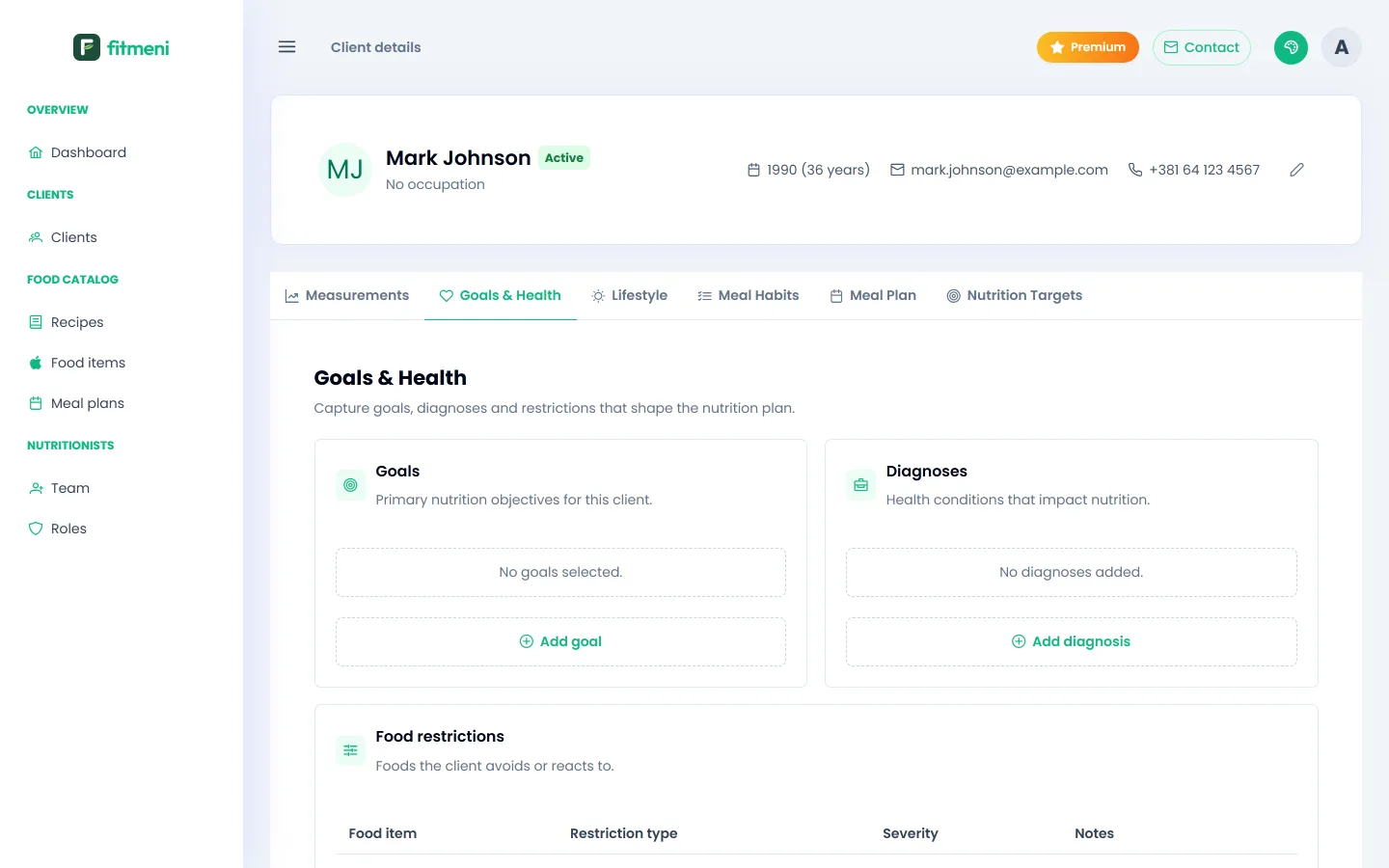
Restrictions later show up as warnings while you build a meal plan for that client.
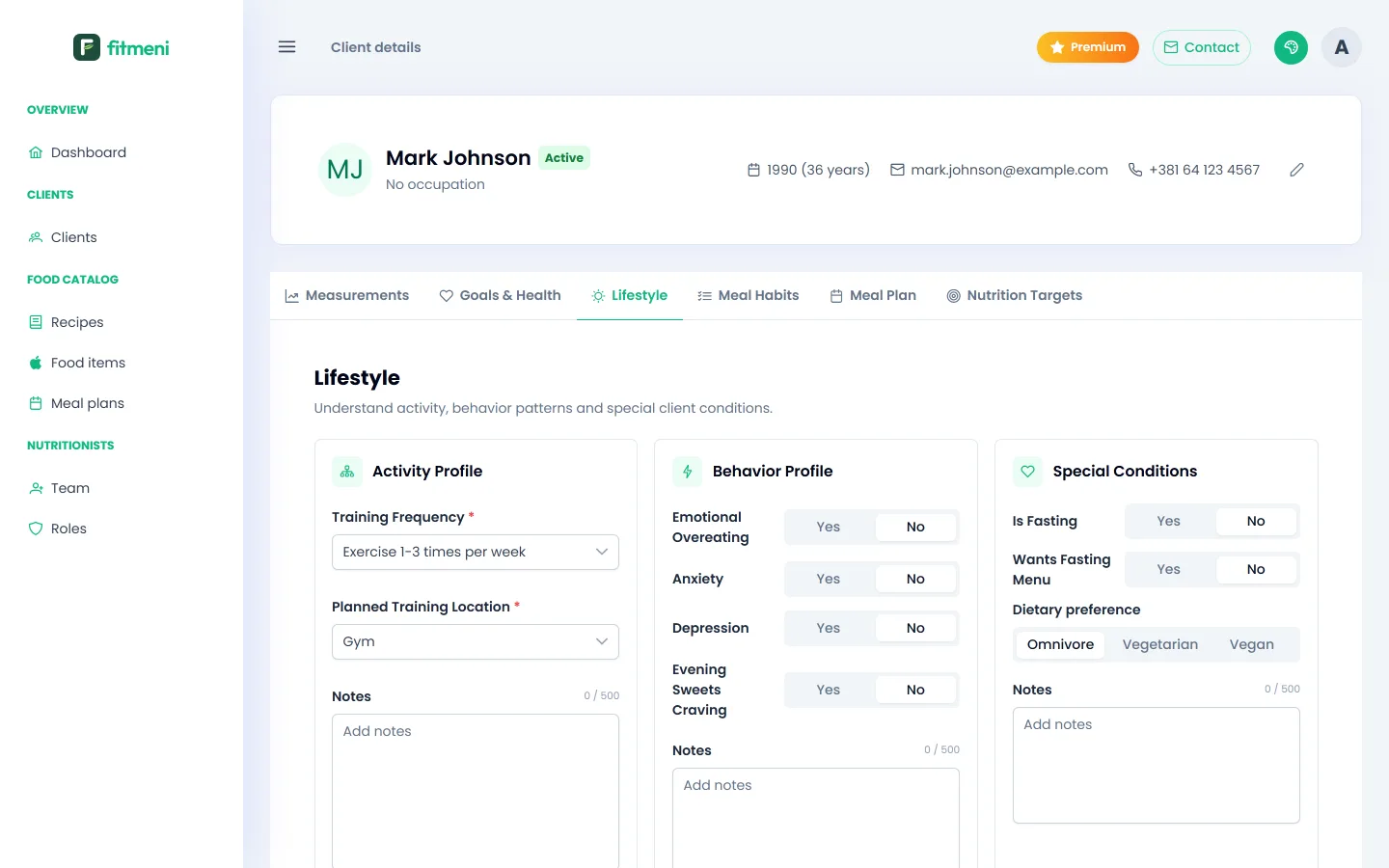
4. Lifestyle and eating habits
On the Lifestyle tab, choose the training frequency and planned training location, plus answers about emotional overeating, fasting and diet type if relevant. Training frequency sets the activity factor in the calorie calculation.
On the Meal Habits tab, describe the client’s usual meal rhythm through the day.
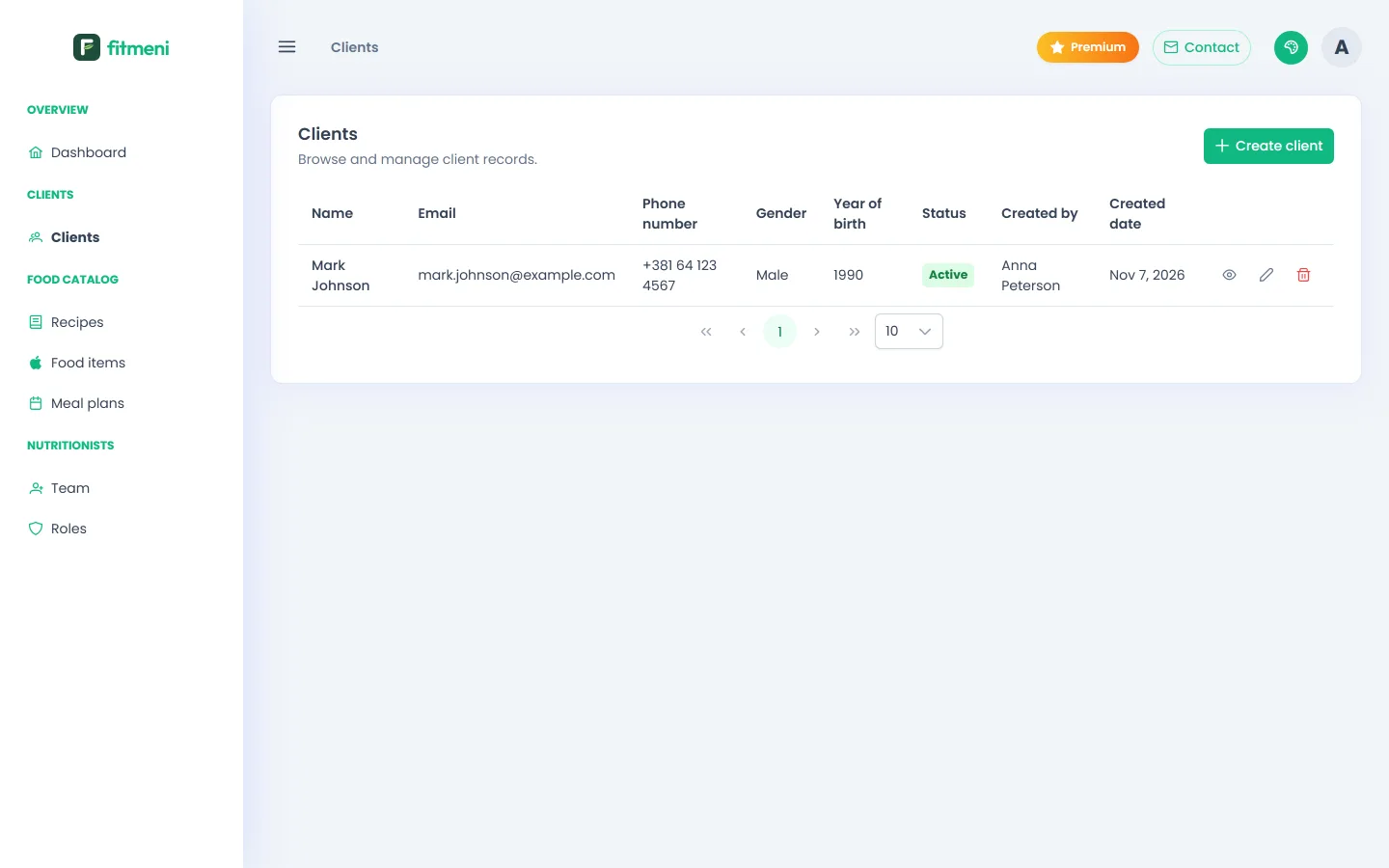
5. The client list
All clients are in the Clients list, with their status and the date they were added. From there you open a profile or edit details.