1. Create a template
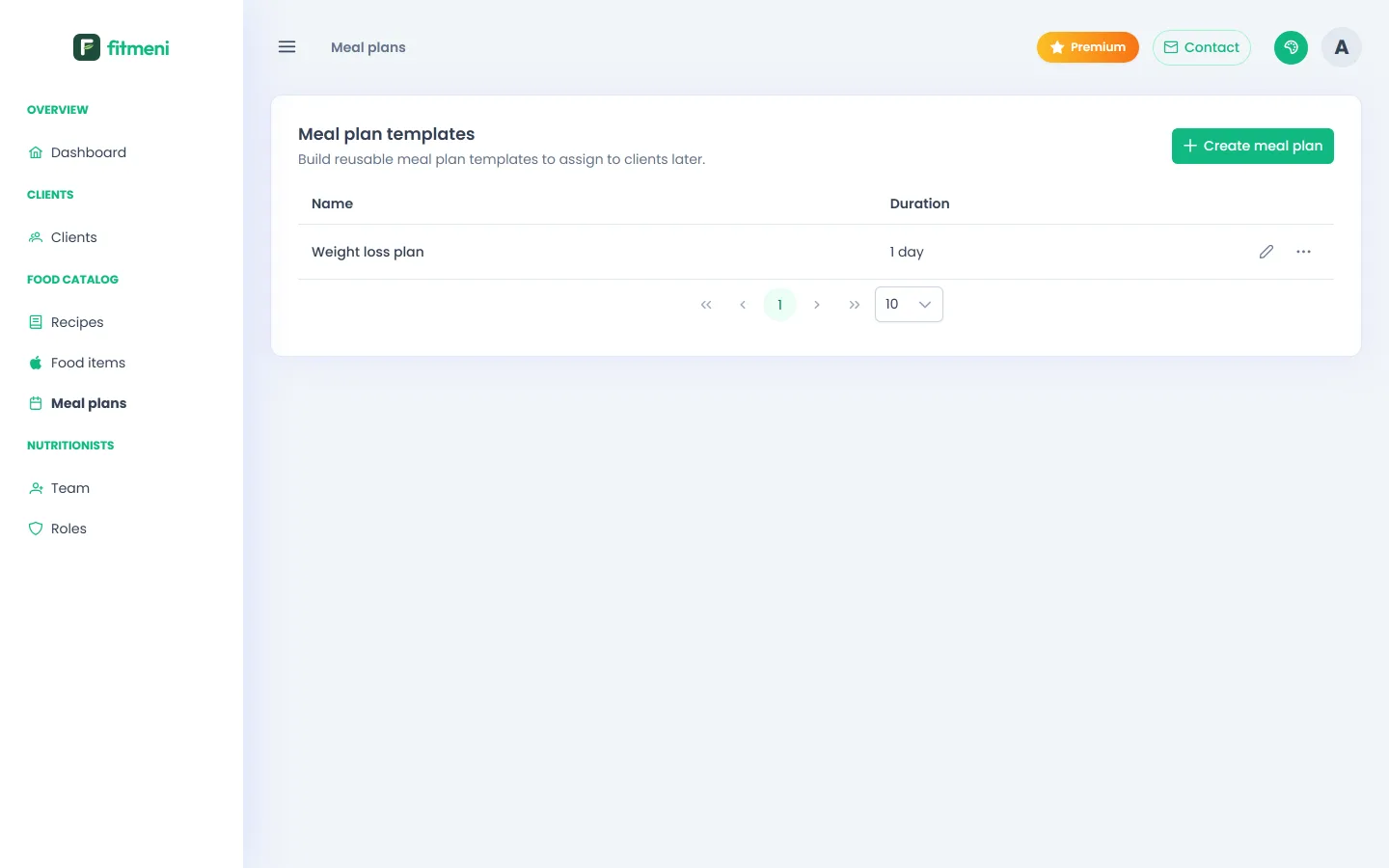
Open Meal plans in the menu and click New meal plan. Enter a name, the duration in days and a short description, for example “Daily plan of about 2000 kcal, high in protein”.
2. Fill in the meals
Each day has meals: breakfast, morning snack, lunch, afternoon snack and dinner. Open a meal and click Add recipe, then pick a recipe and the number of servings. Instead of a recipe you can also add individual foods.
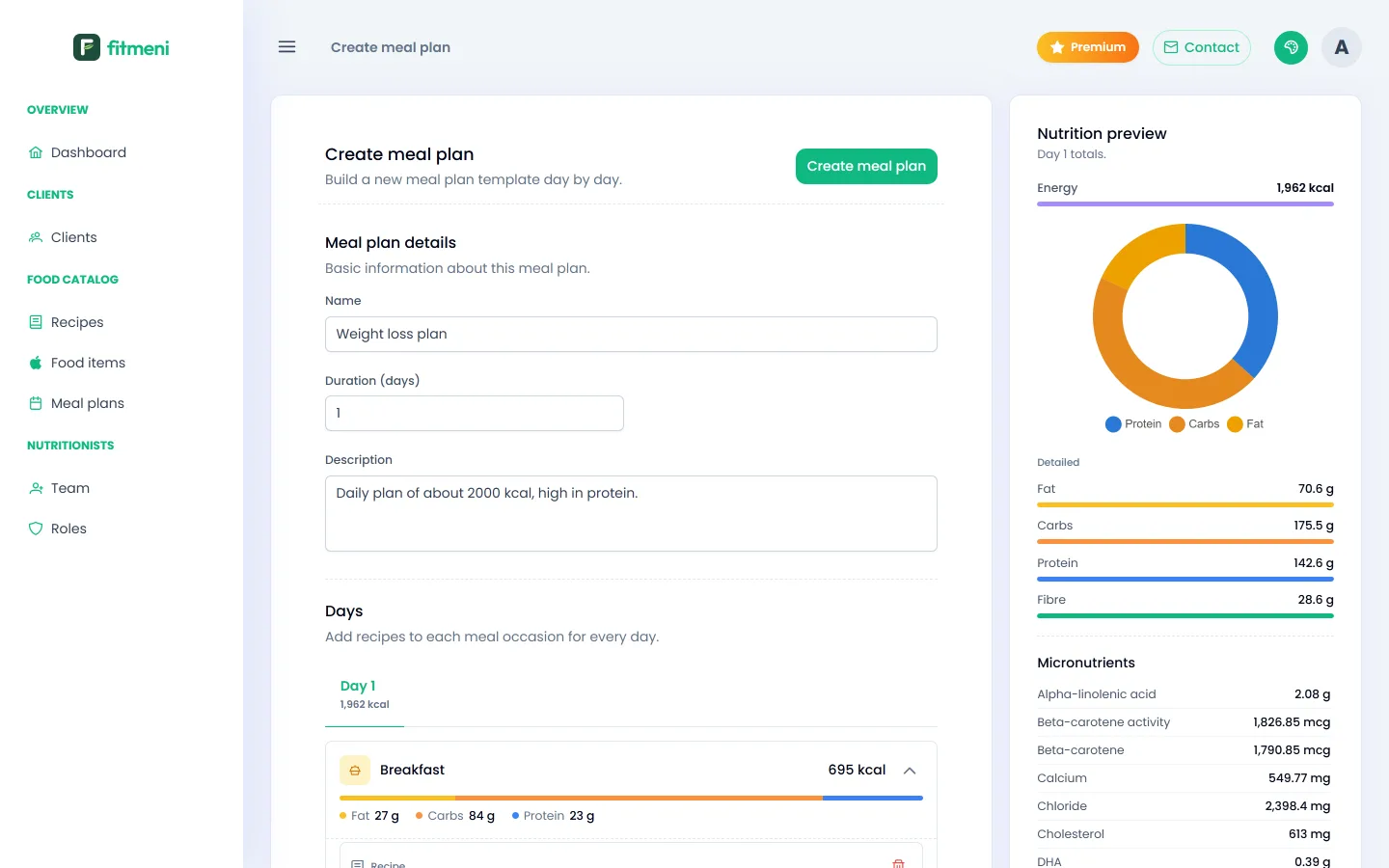
Each meal shows its calories and macros, the day tab shows total calories, and the Nutrition overview on the right shows all values for the selected day.
3. Save and reuse
Click Create meal plan. The template appears in the list, ready to assign to any client.