1. Open the plan as a document
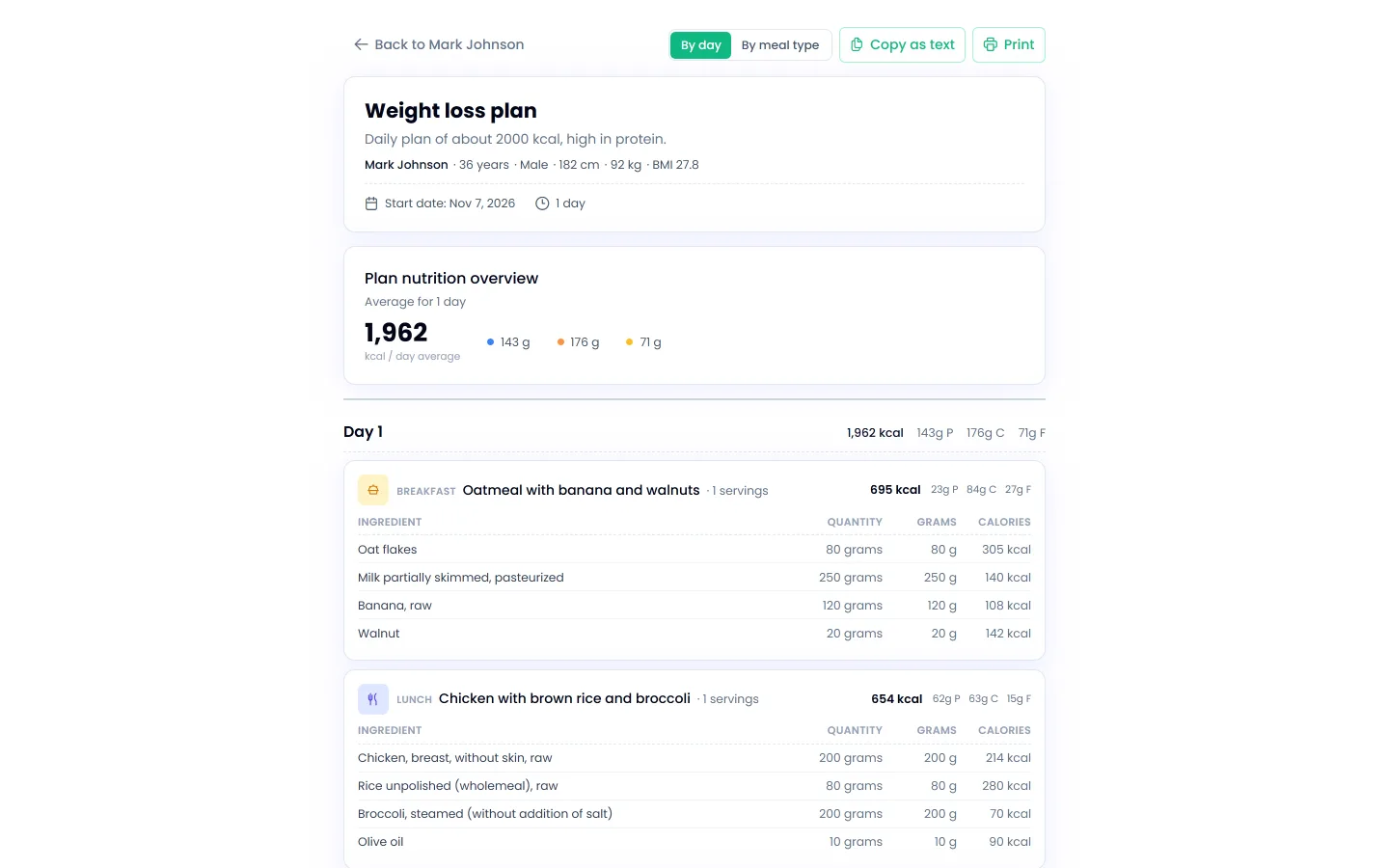
On the client’s Meal Plan tab, click View as document next to the plan. The document shows the plan name and description, client details, average daily values and every meal with ingredients, quantities and calories.
2. Choose a view
By day lists meals day after day, and By meal type groups all breakfasts, lunches and dinners, which helps when meals repeat.
3. Send it to the client
- Print: opens the browser print dialog; choose a printer or “Save as PDF” to get a PDF for email.
- Copy as text: copies the whole plan as plain text, ready for WhatsApp, Viber or email.