1. Assign the template
Open the client profile and the Meal Plan tab. Click Assign meal plan, pick the template and the start date, then click Assign.
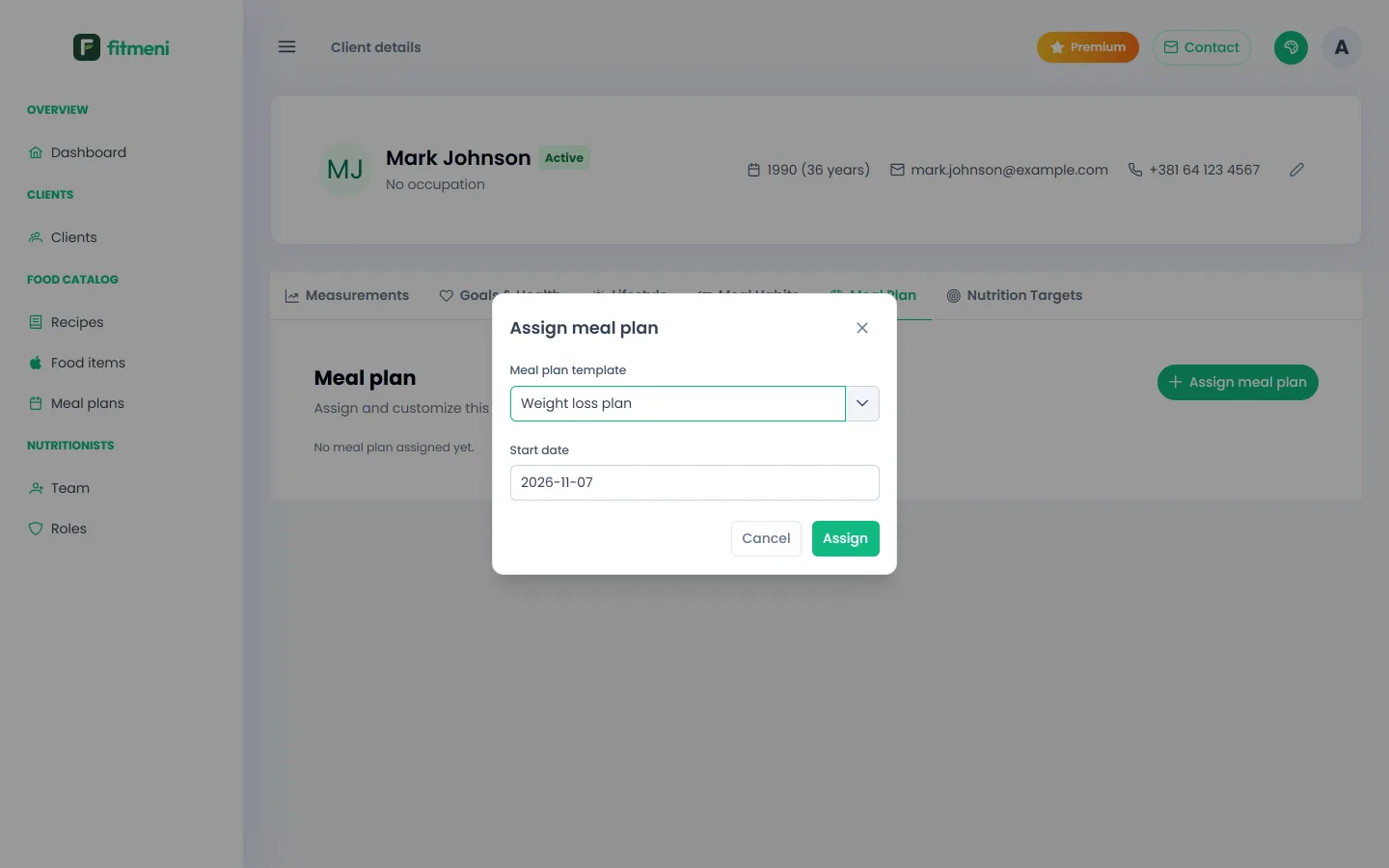
If the client already has an active plan, FitMeni asks whether the new plan should replace it.
2. Adjust the plan for the client
The assigned plan is a copy of the template, so changes apply to this client only. Change recipes, servings and foods by meal, then click Save changes.
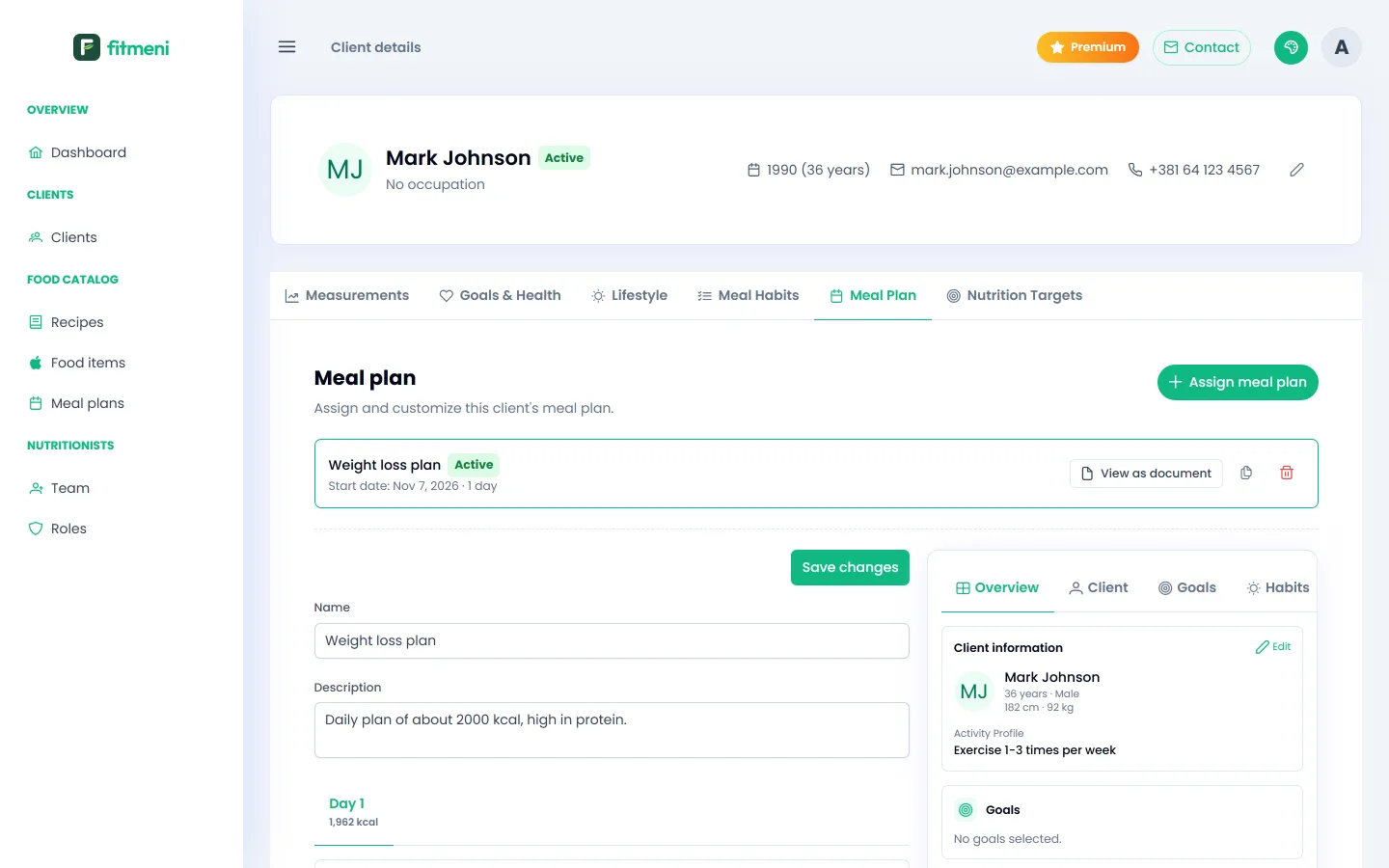
The panel on the right shows the client’s details, goals and habits, so you have them in front of you while you edit. If you saved a nutrition target, you also see the plan’s calories and macros compared with the target.
3. Plan history
Earlier plans stay on the tab. You can duplicate a plan with a new start date, for example for next week, or delete it.