How to use FitMeni
A step-by-step guide, from sign-up to the meal plan you send your client. Every step has screenshots from the app.
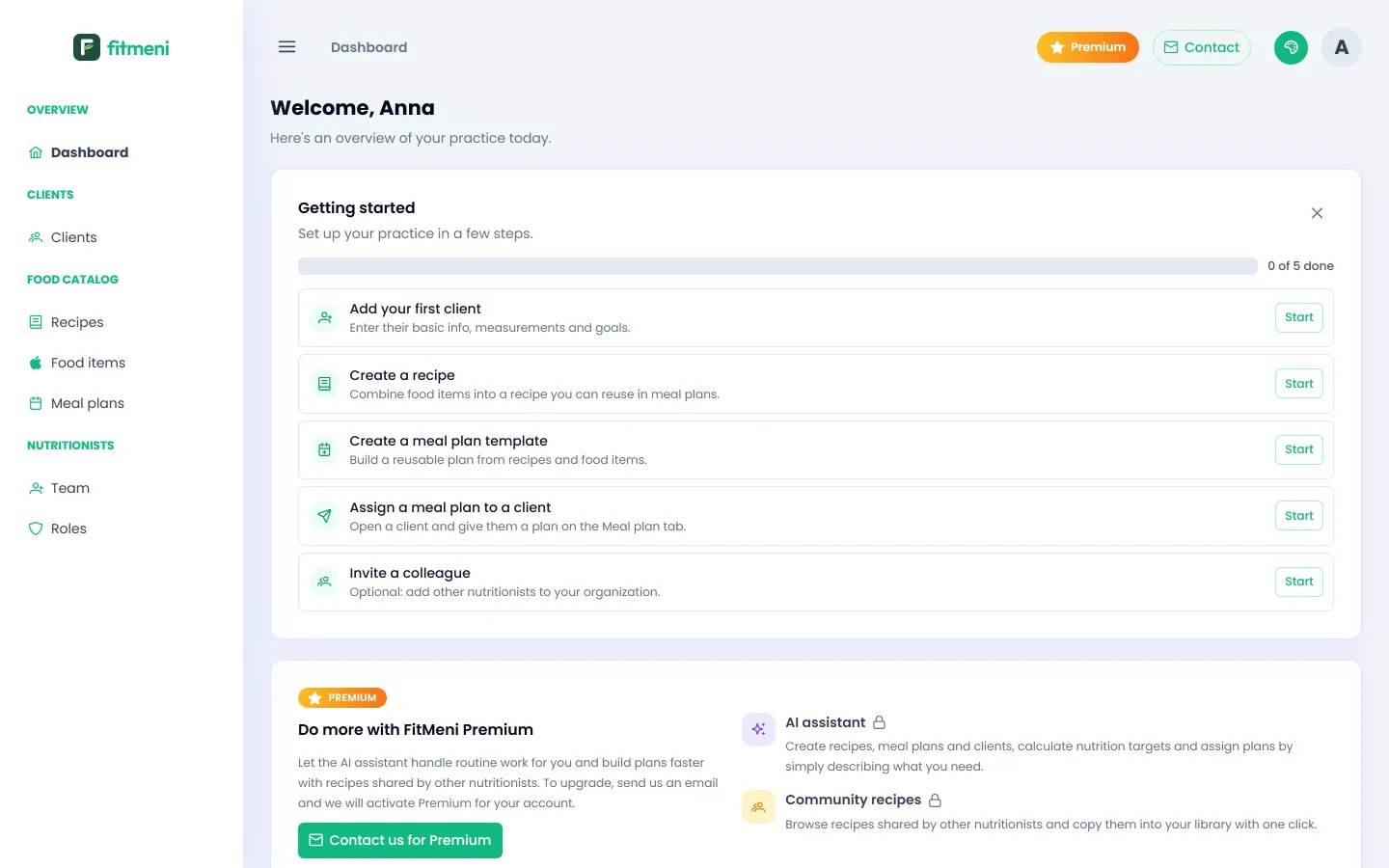 Step 1
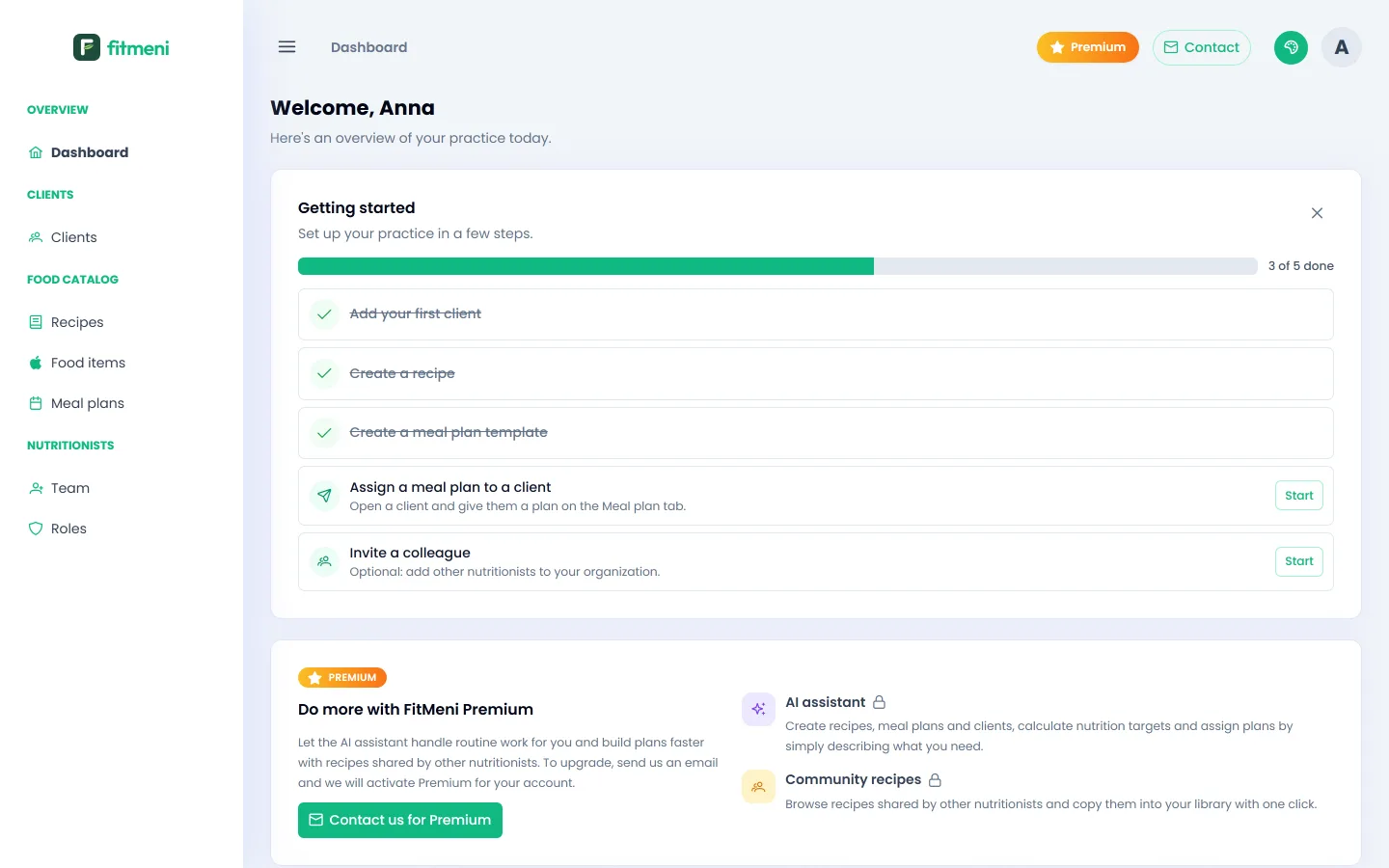
Getting started
Sign up, create your organization and find your way around the dashboard.
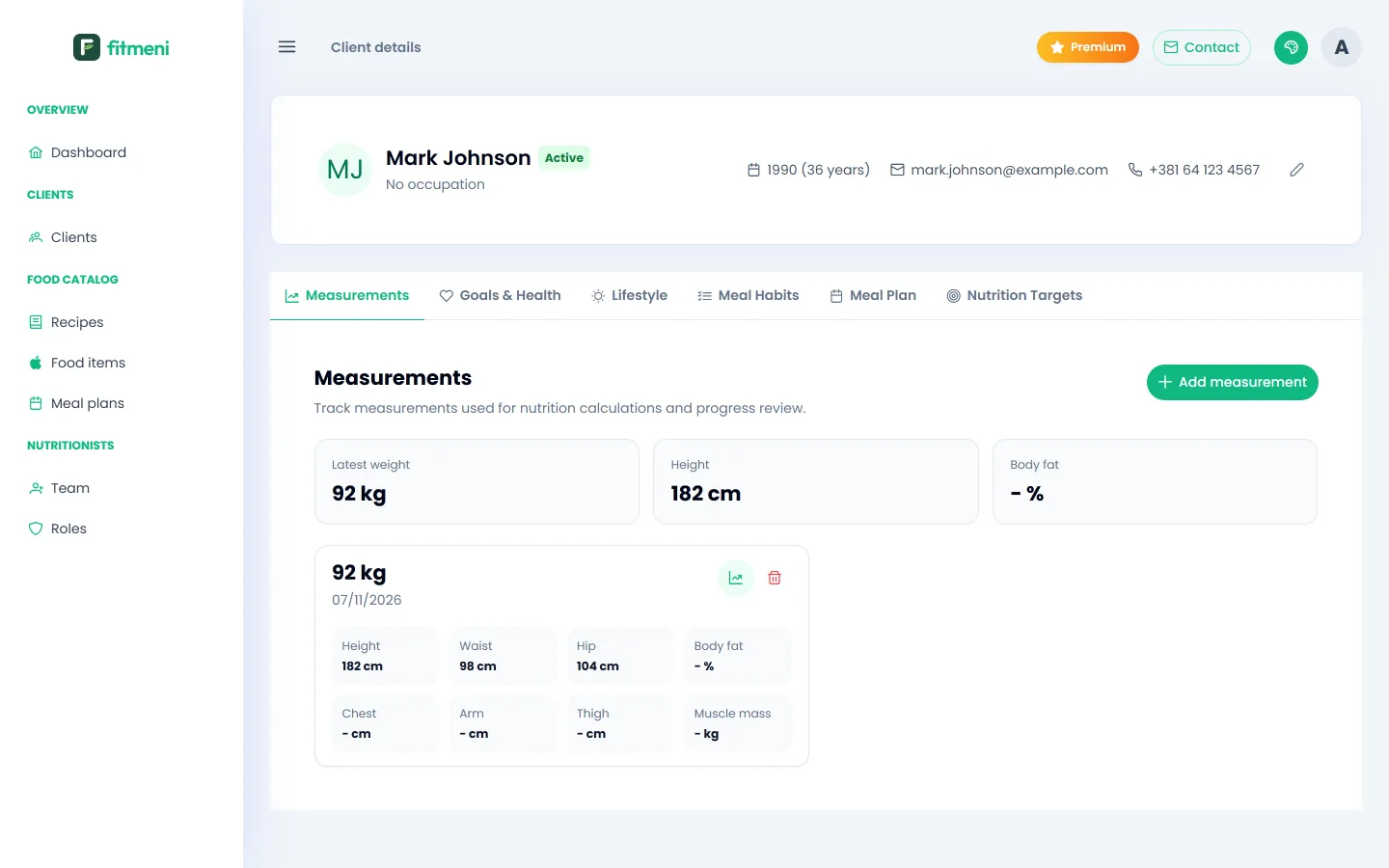 Step 2
Adding a client
Client profile, measurements, goals, diagnoses, allergies and eating habits.
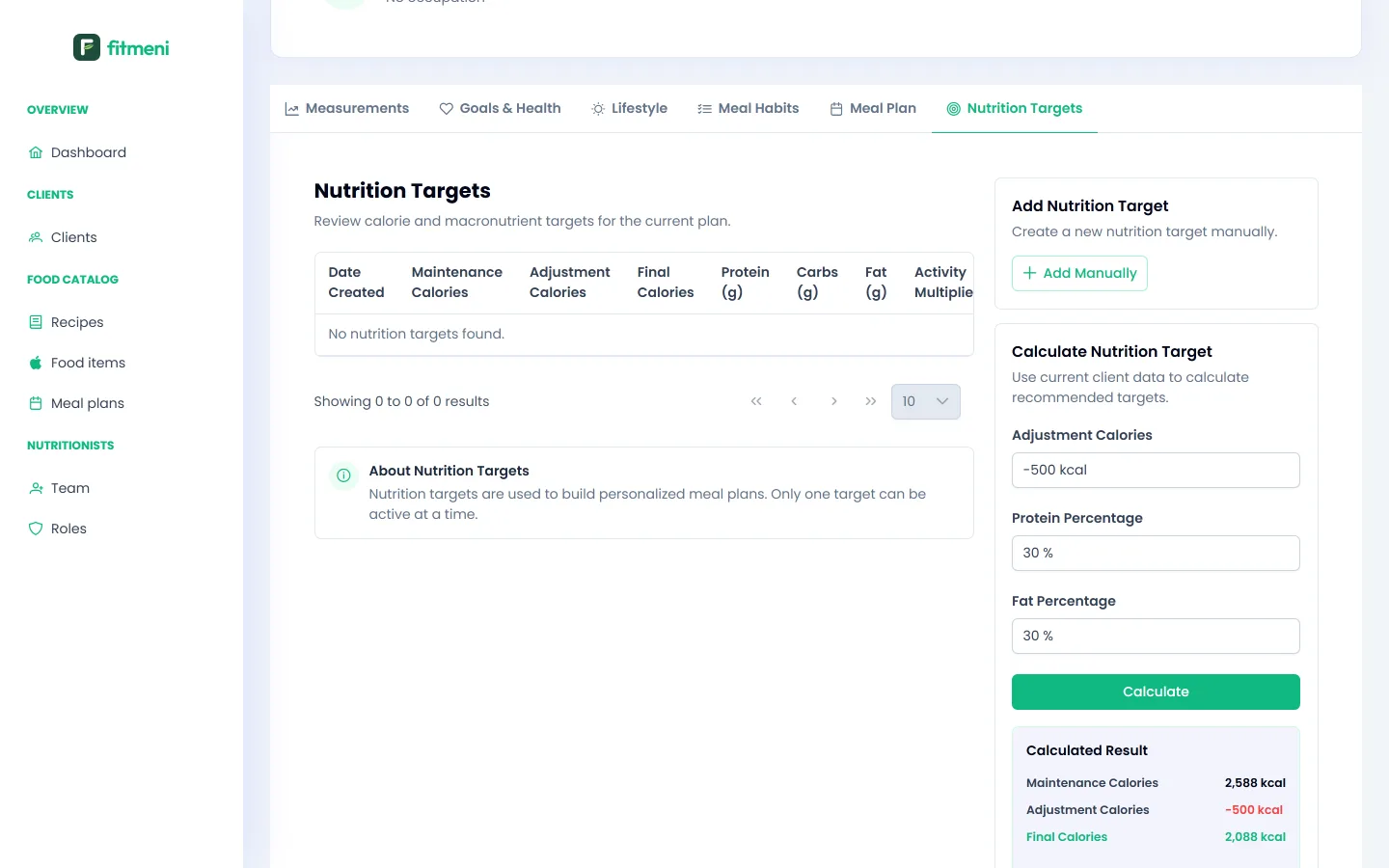 Step 3
Nutrition targets
How FitMeni calculates a client’s calories and macros, and how to adjust them.
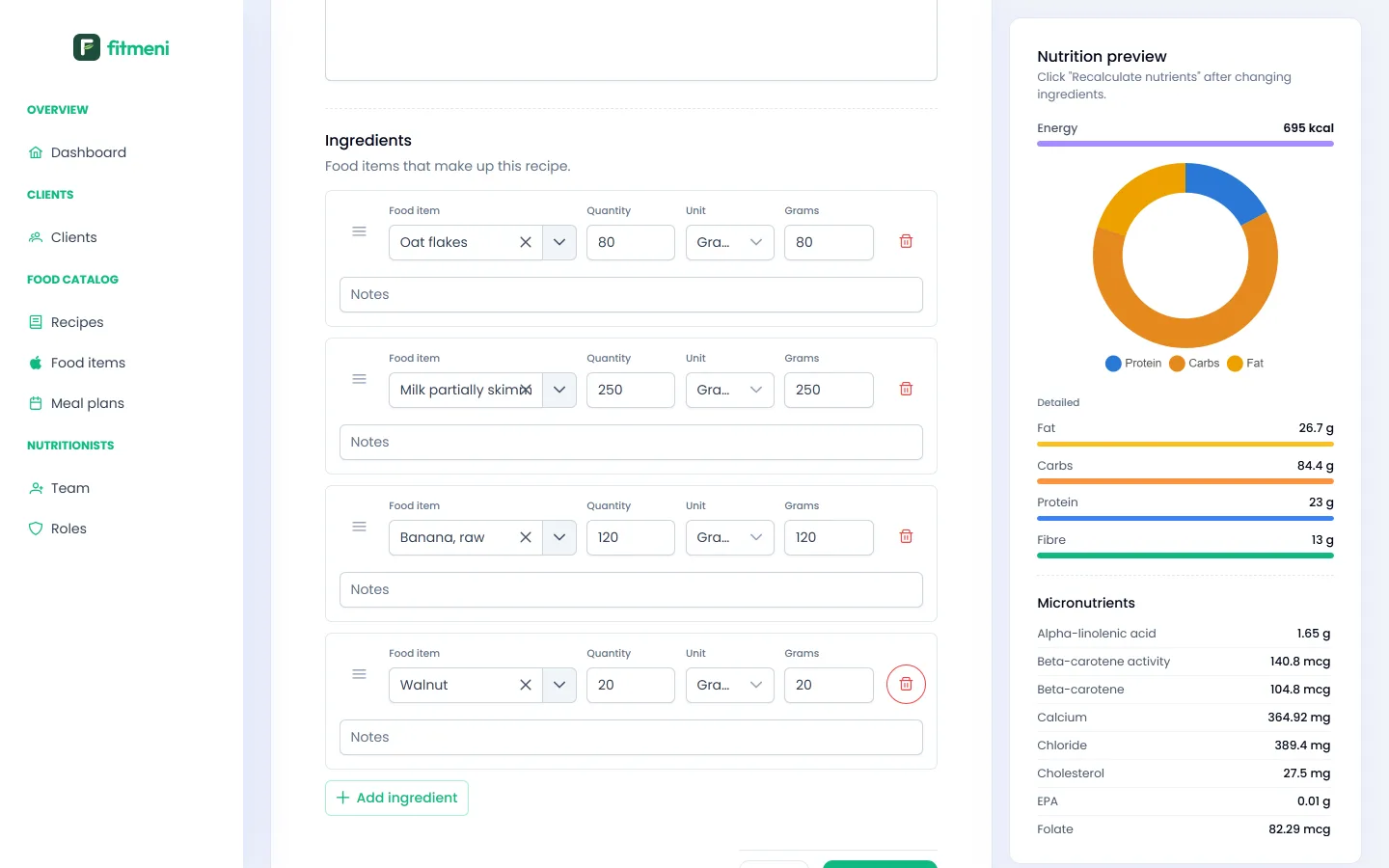 Step 4
Recipes and food items
Build recipes from the food catalog with nutrients calculated automatically.
 Step 5
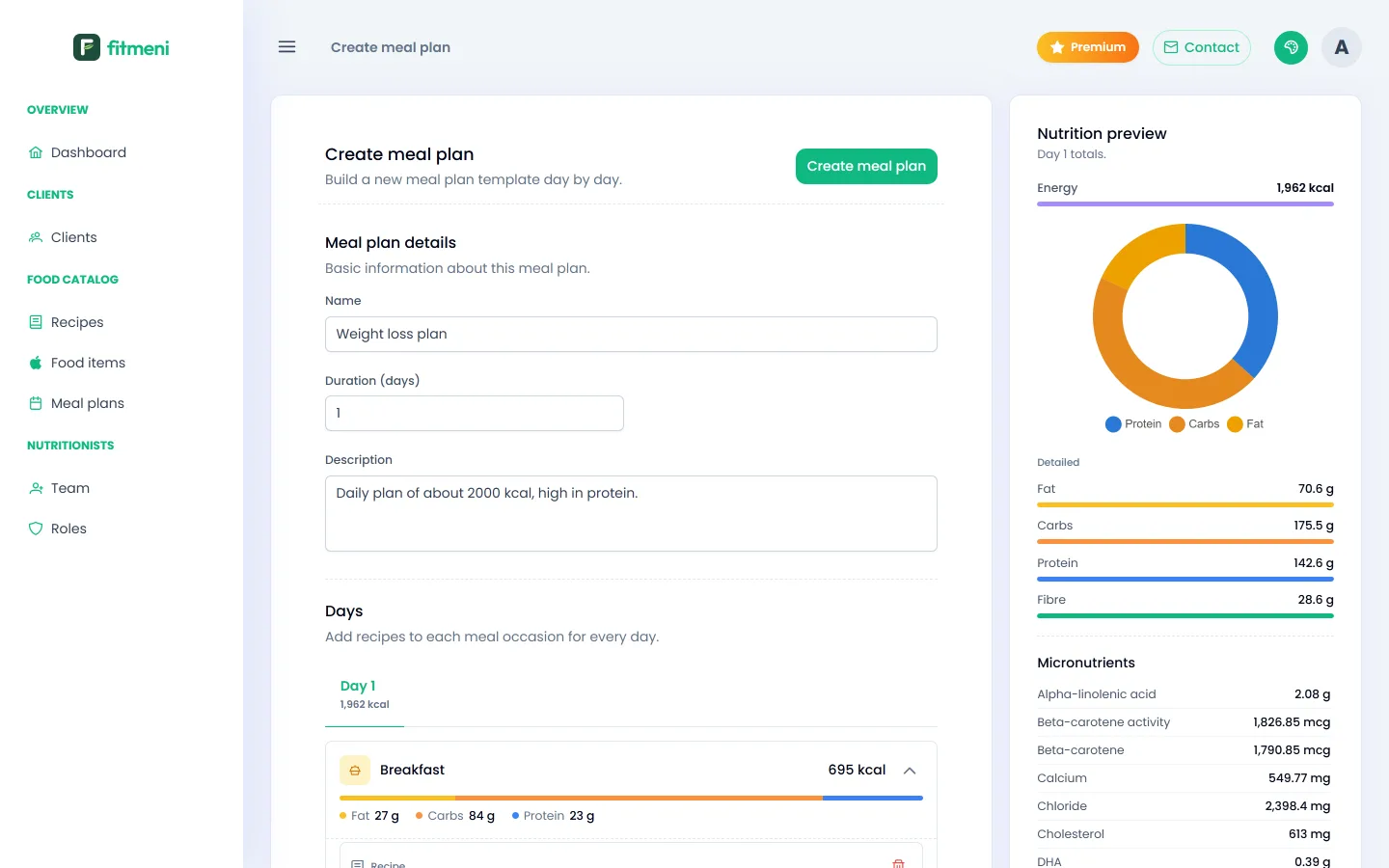
Meal plans
Plan templates by day and meal, with daily calorie and macro totals.
 Step 6
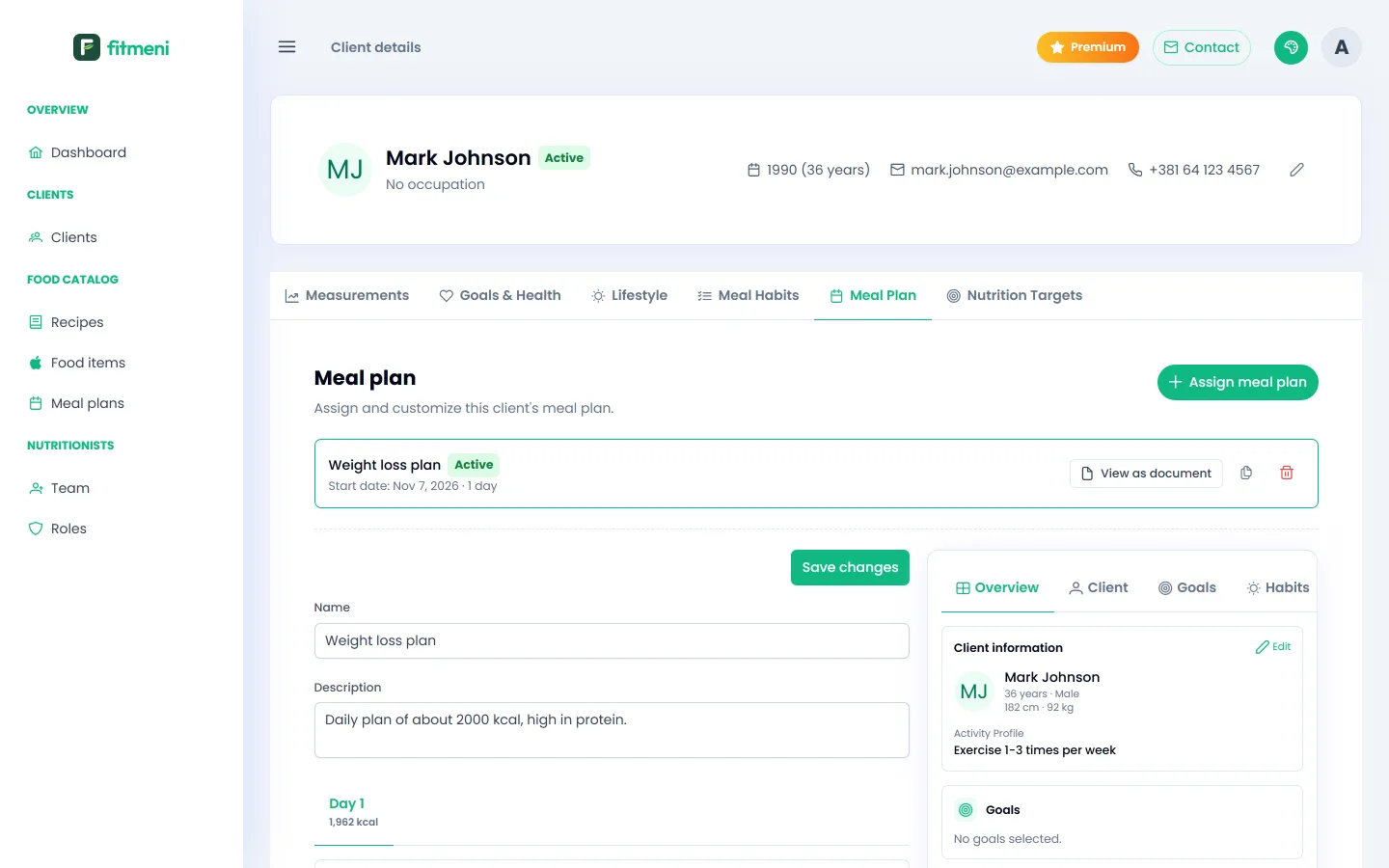
Assigning a plan
Assign a template to a client, adjust it and compare it with their targets.
 Step 7
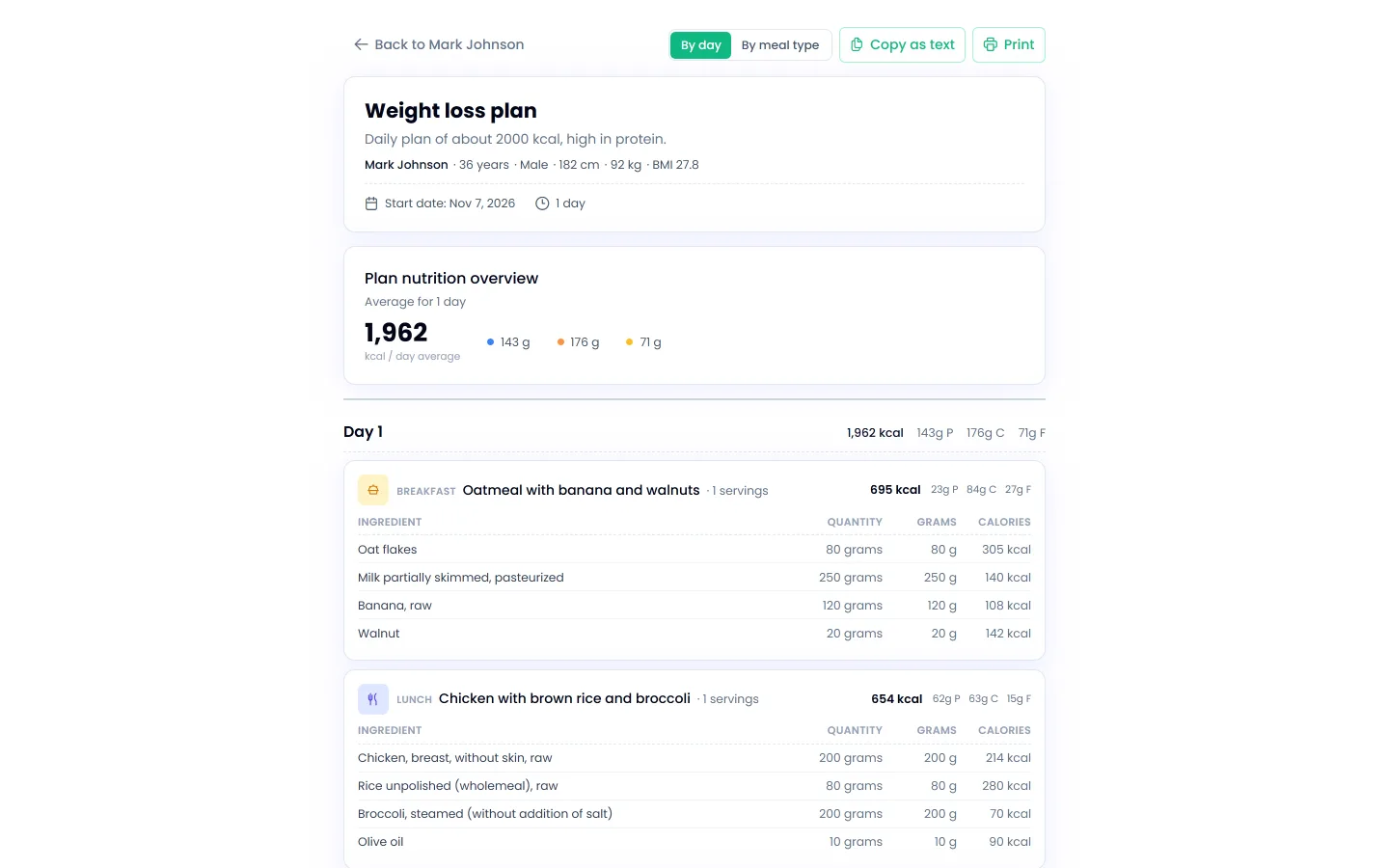
Client meal plan document
View the plan as a document, print it or copy it as text for your client.
 Step 8
AI assistant
How to describe a task to the AI assistant and what it can do for you.
Calorie calculator
The same calorie and macro calculation FitMeni uses for clients, open to everyone, no sign-up needed.
Calorie calculatorNeed help?
If something is unclear or doesn’t work as you expect, write to us. We reply quickly.
contact@fitmeni.com