1. What you need before calculating
- gender and year of birth on the client profile,
- at least one measurement with weight and height (Measurements tab),
- training frequency (Lifestyle tab).
If something is missing, FitMeni tells you what to add and where.
2. Calculate the target
Open the Nutrition Targets tab. Under Calculate Nutrition Target, enter the adjustment calories (for example −500 for weight loss), the protein percentage and the fat percentage, then click Calculate.
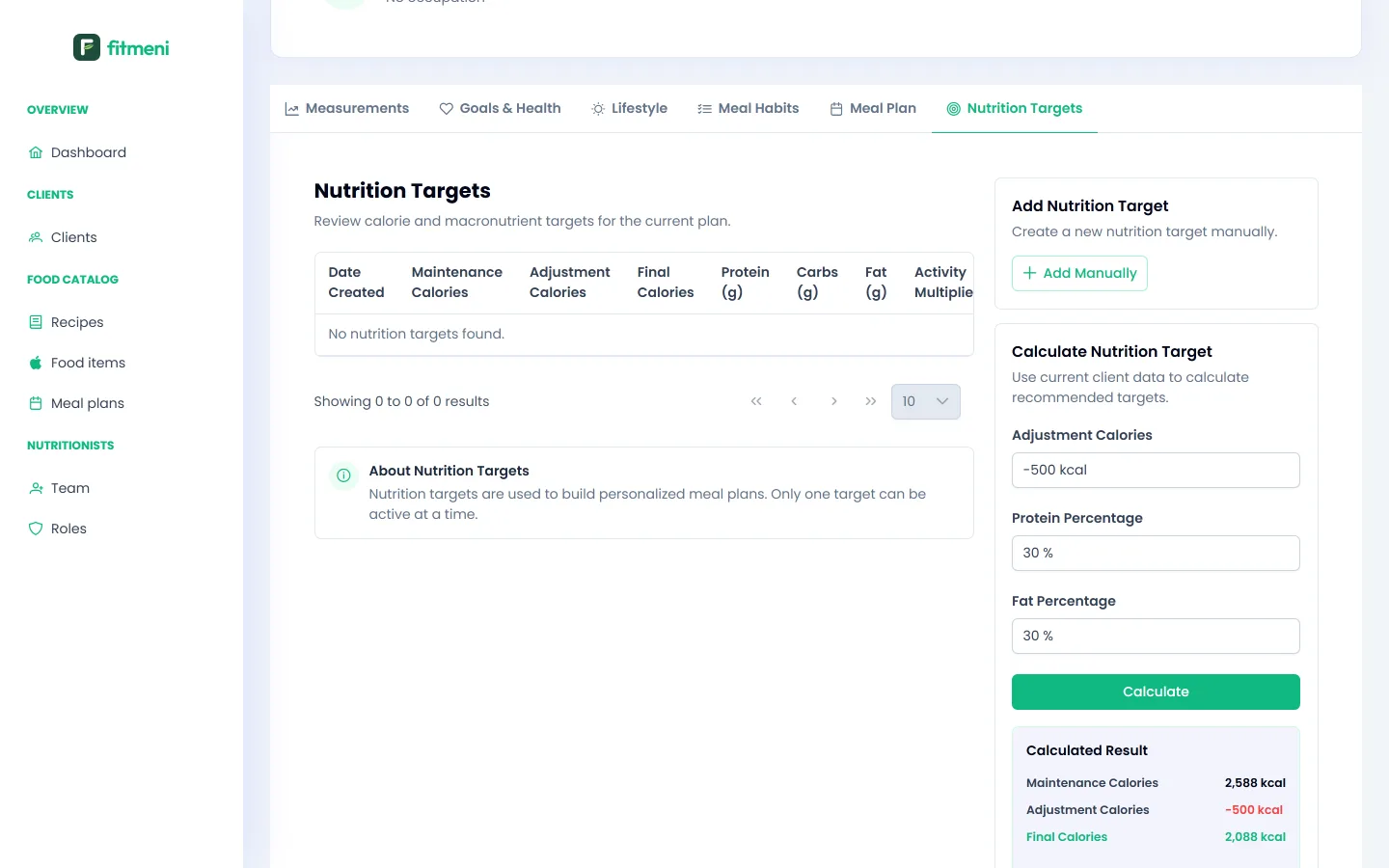
The result shows maintenance calories, the adjustment and final calories, plus grams of protein, carbs and fat. The formula is the same as in our public calorie calculator, where it is explained step by step.
3. Check and save
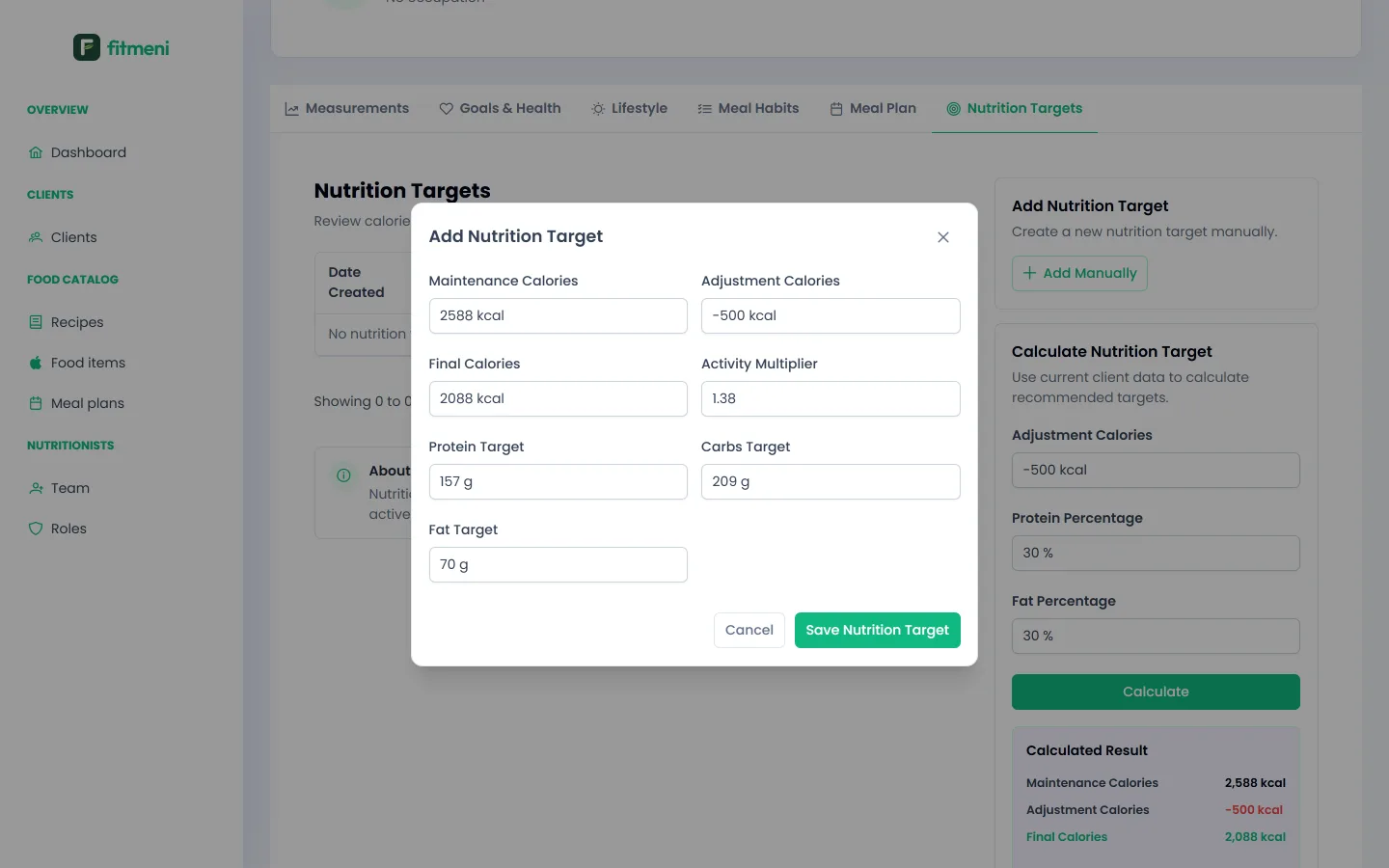
Click Add Manually. A dialog opens with the calculated values, which you can change, for example to round the calories. Click Save Nutrition Target.
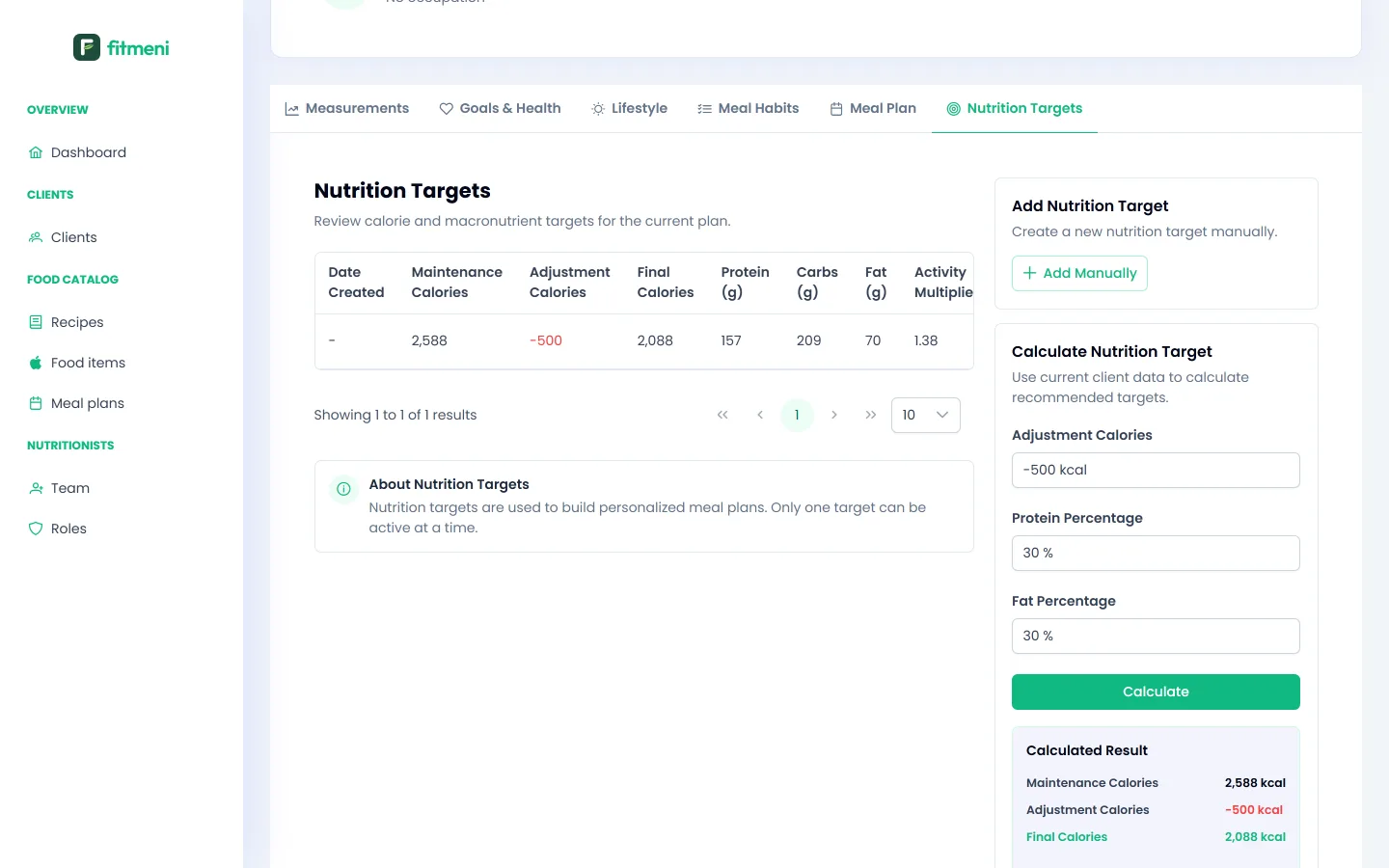
The saved target appears in the table. Only one target can be active; older ones stay in the history.
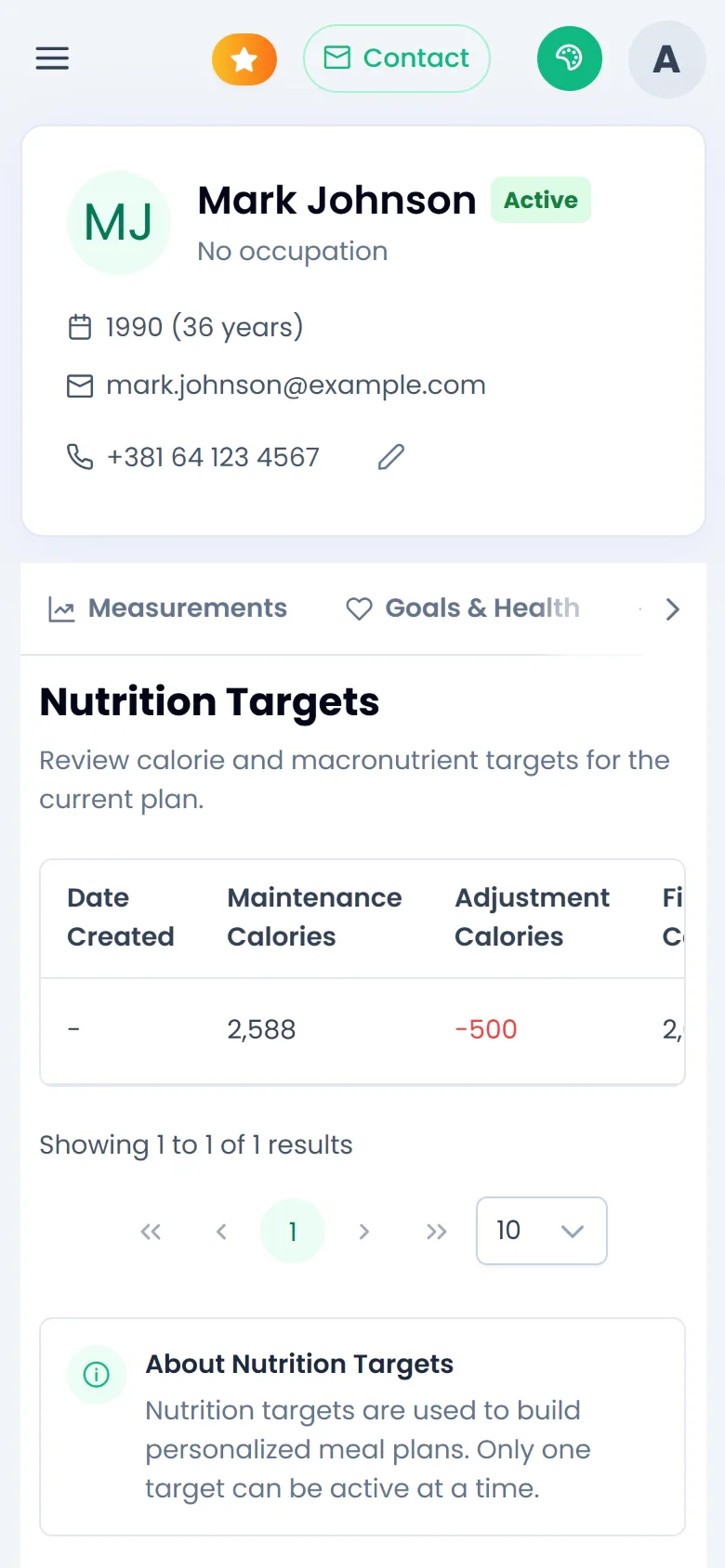
Works on your phone too